FreeNo key required
PPO
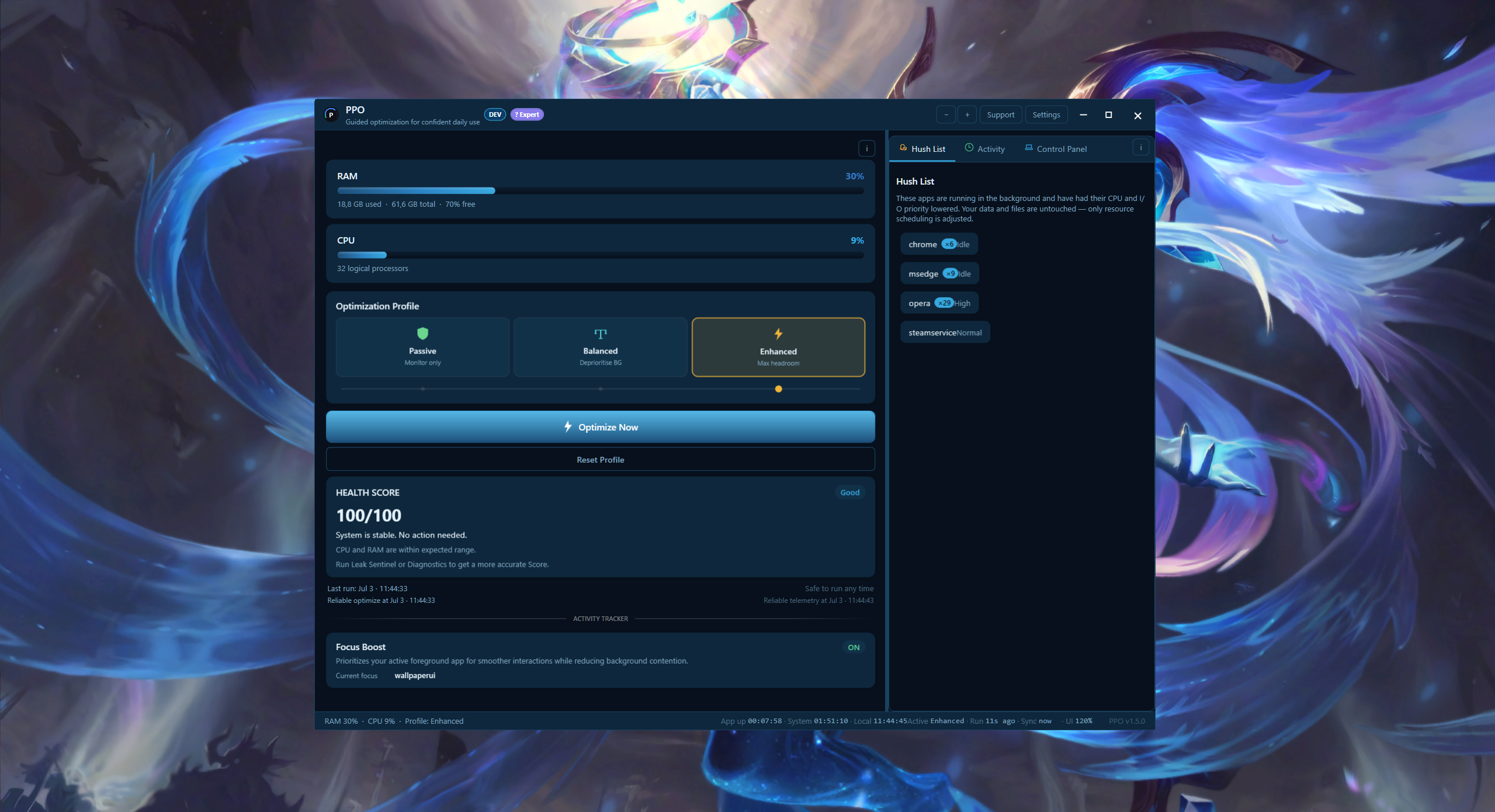
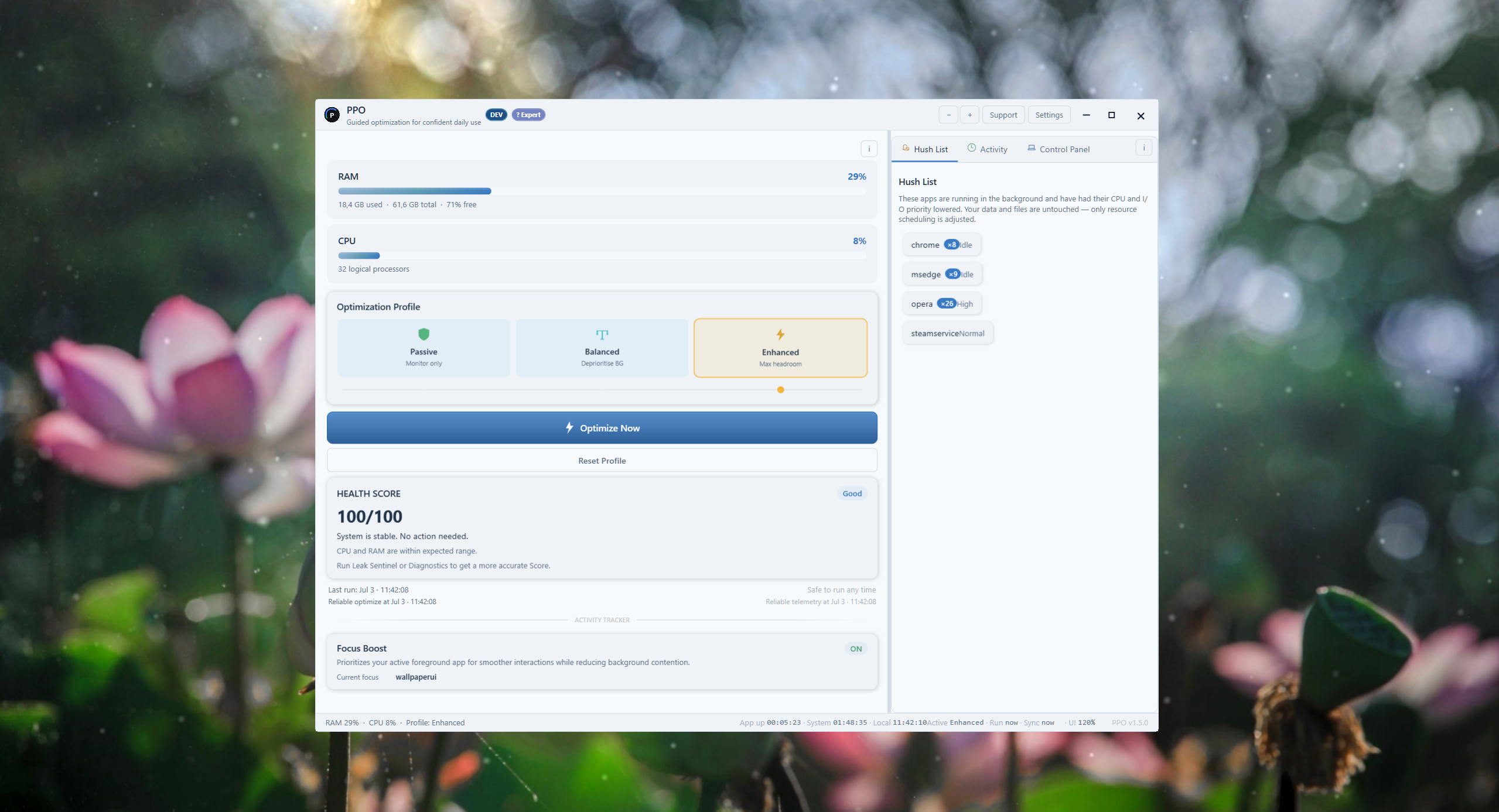
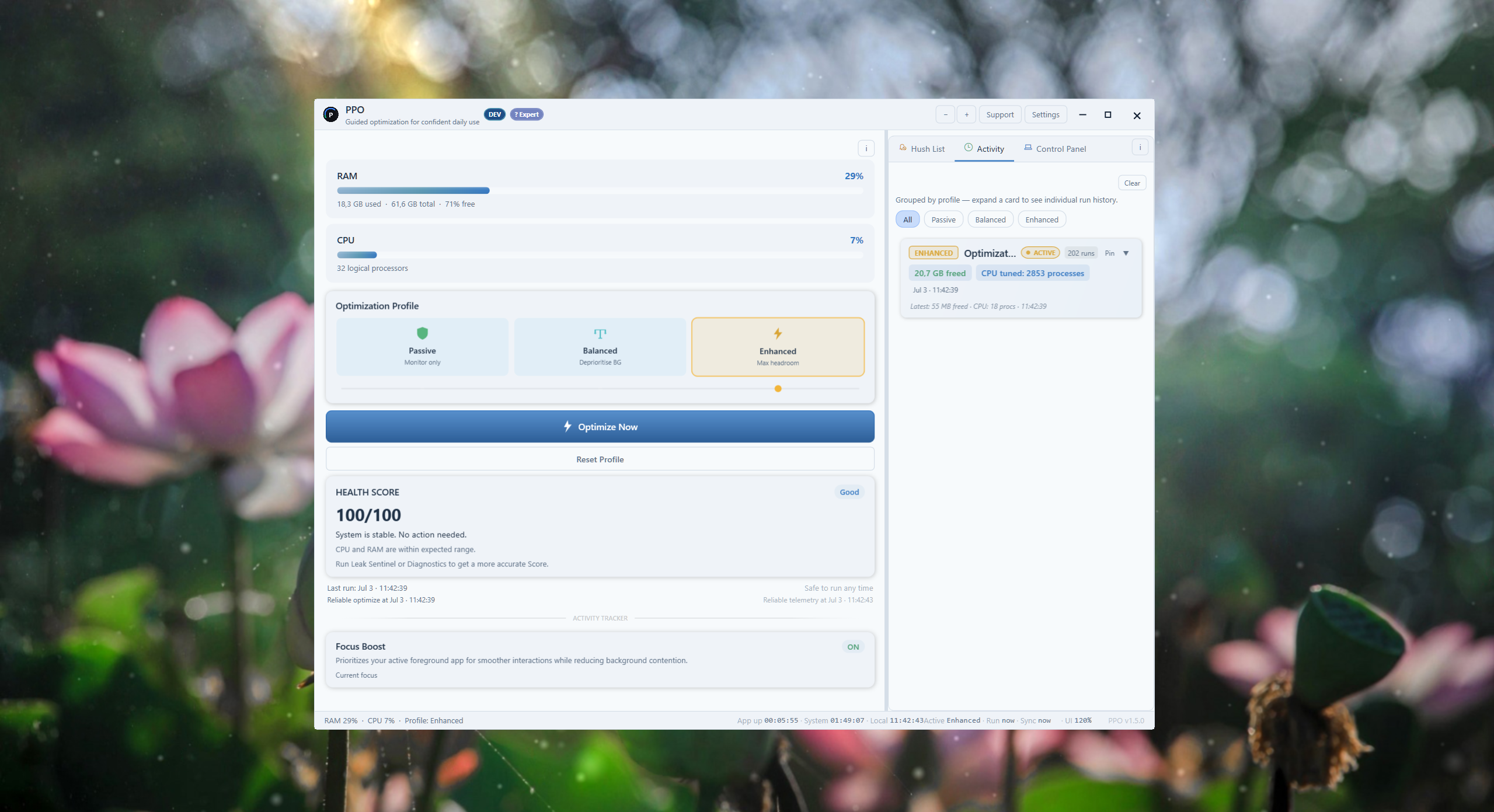
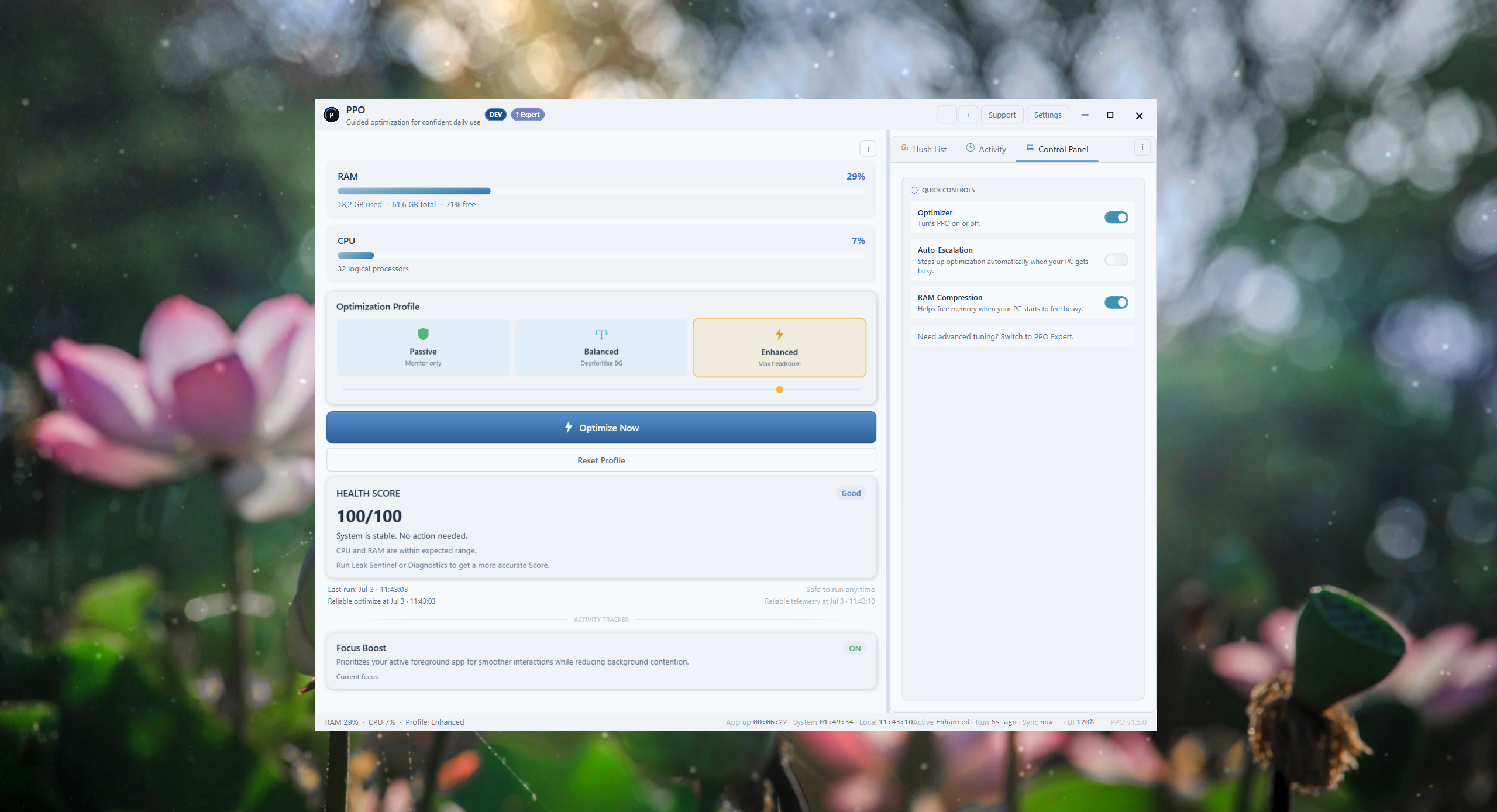
One-click optimization and clear health information for everyday Windows sessions.
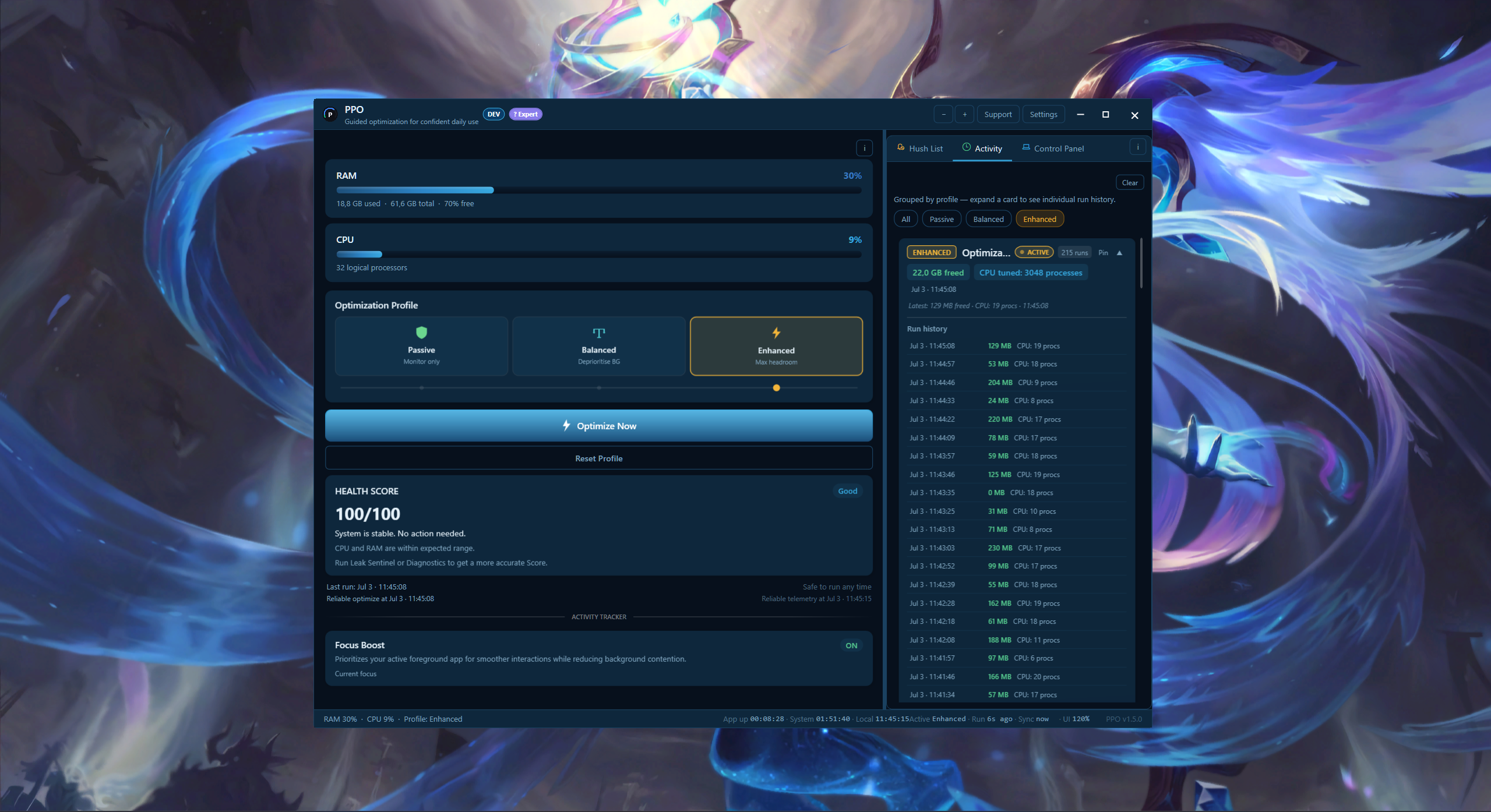
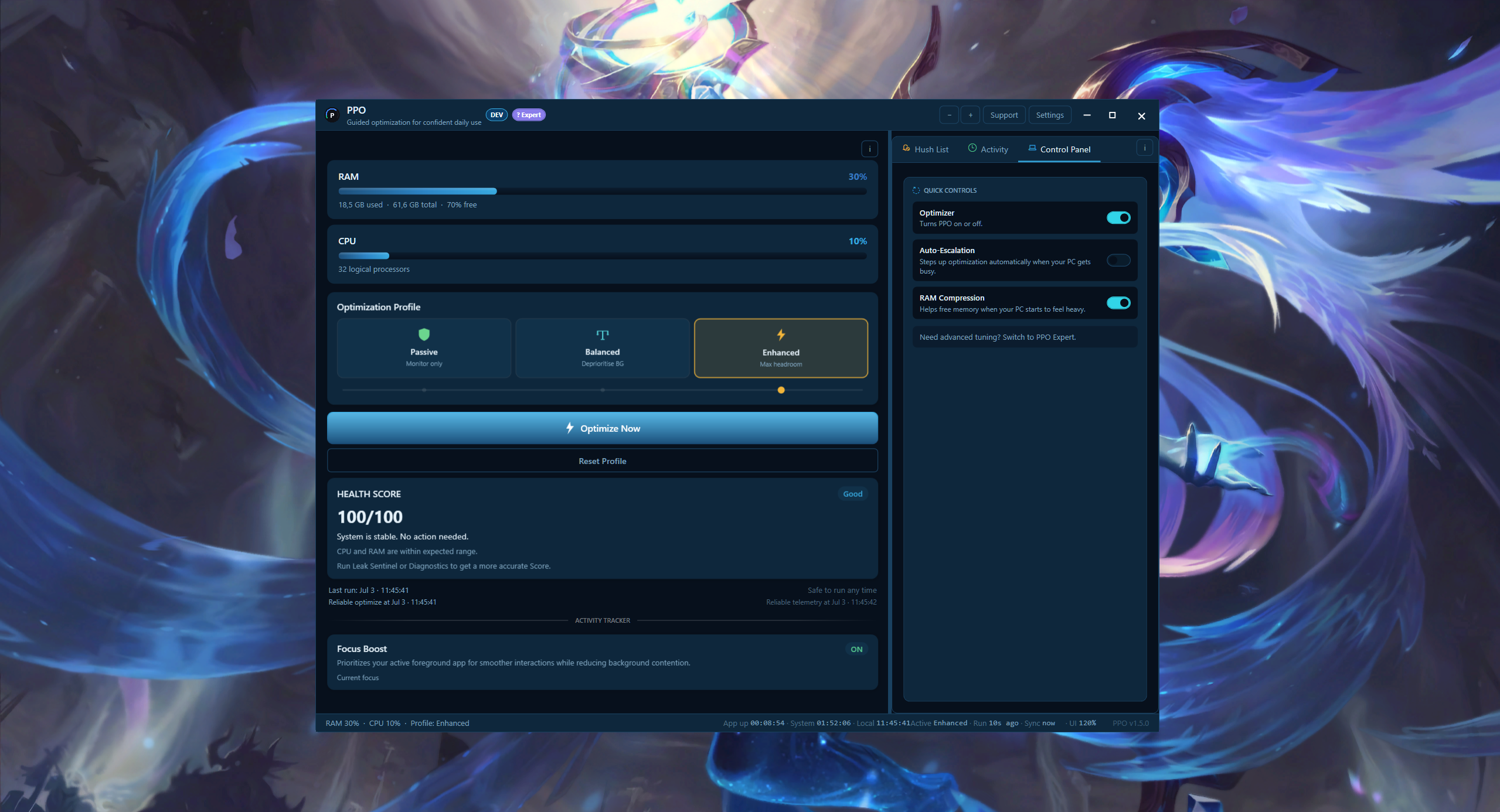
- CPU and RAM health
- Three optimization profiles
- Hush process controls
Choose Your Edition
Latest stable: v1.5.2
One-click optimization and clear health information for everyday Windows sessions.
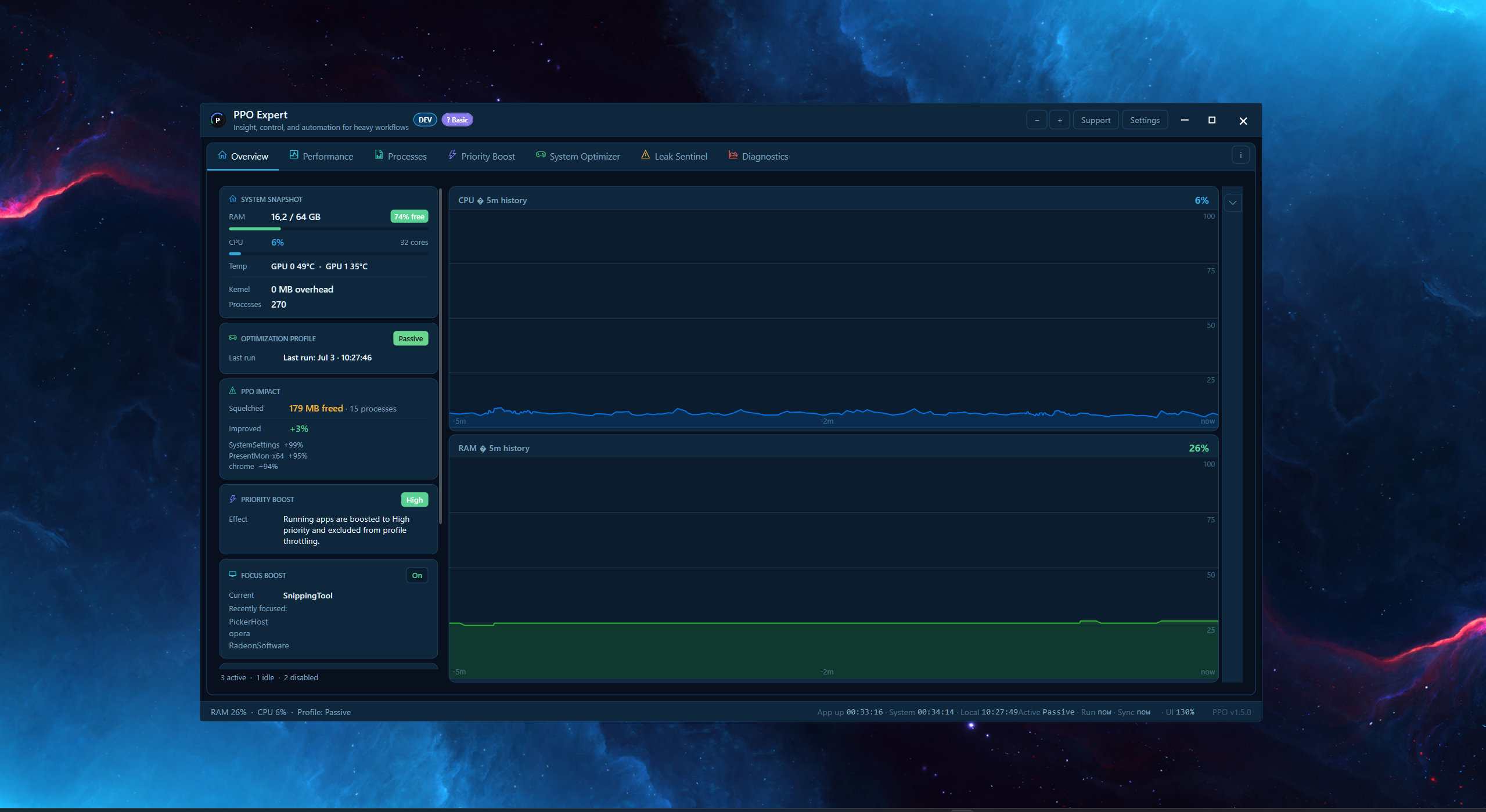
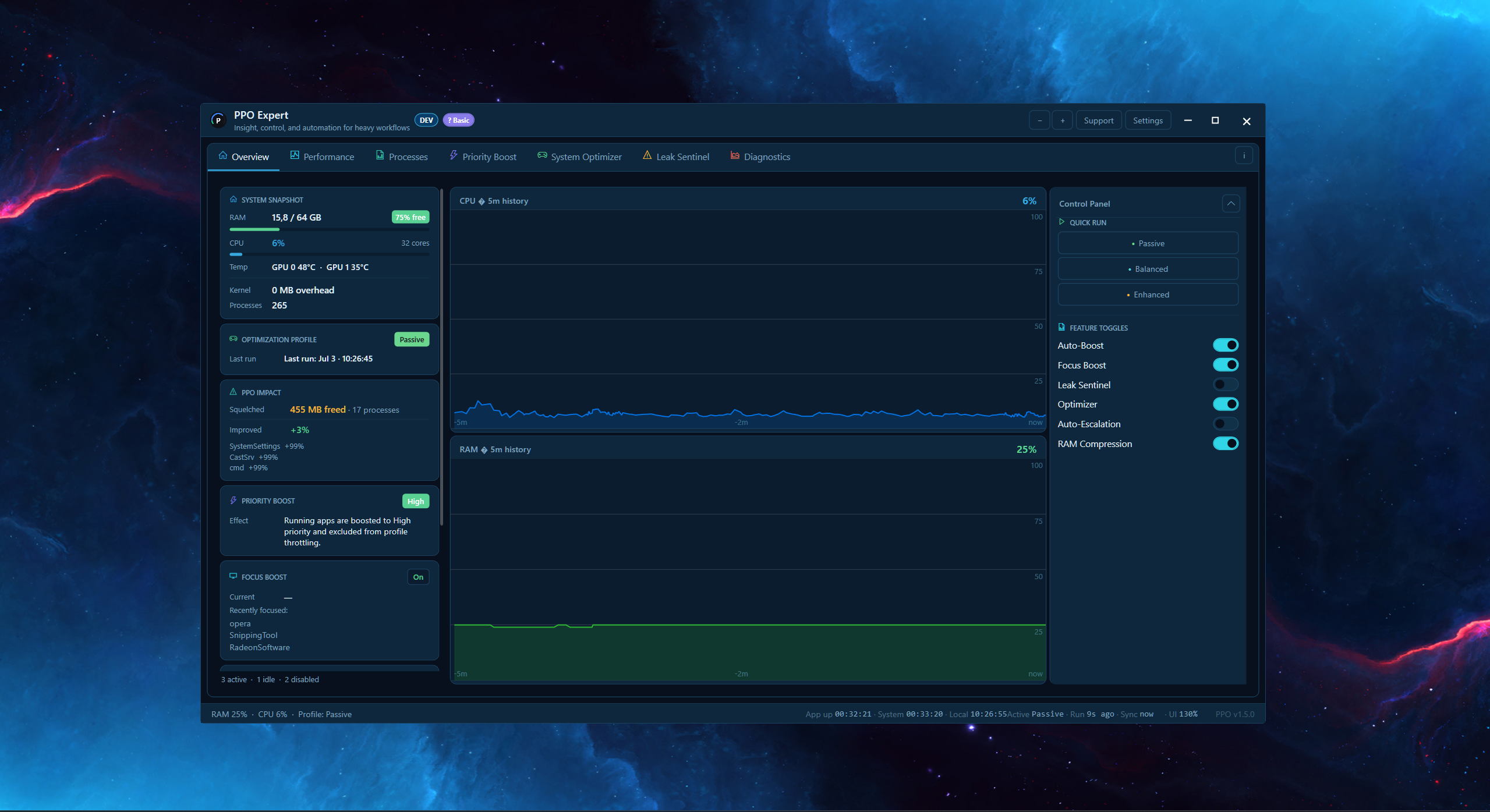
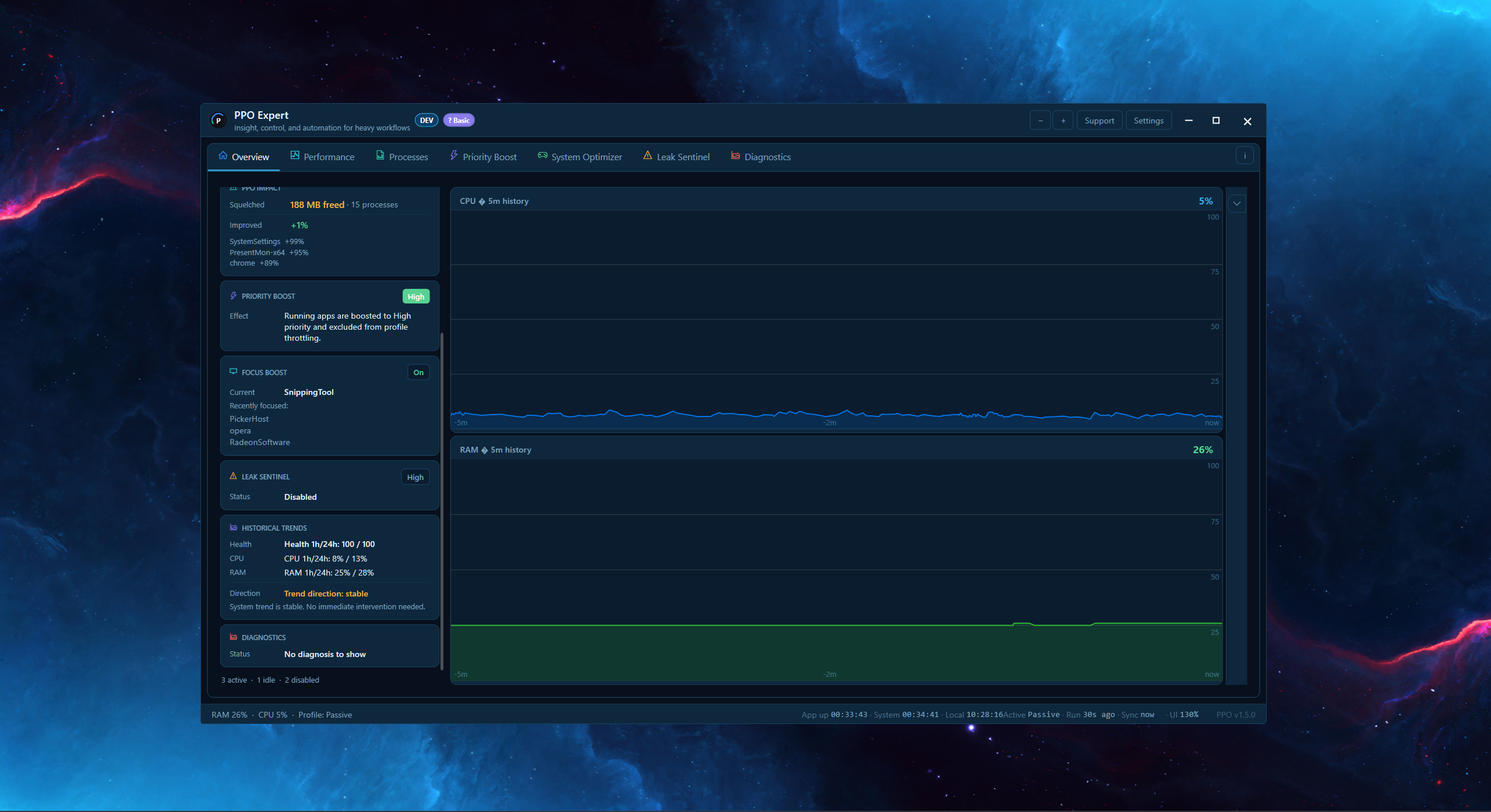
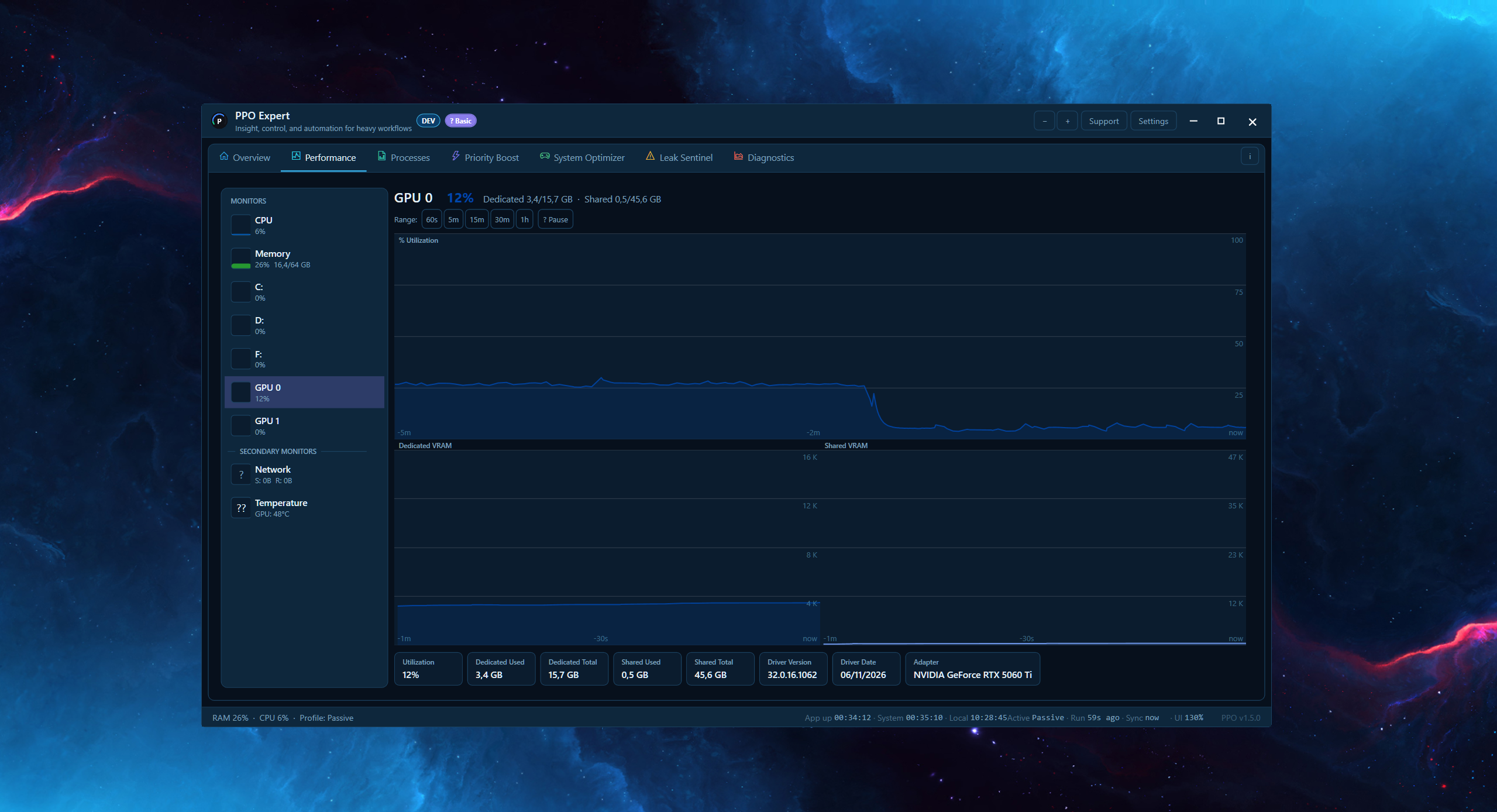
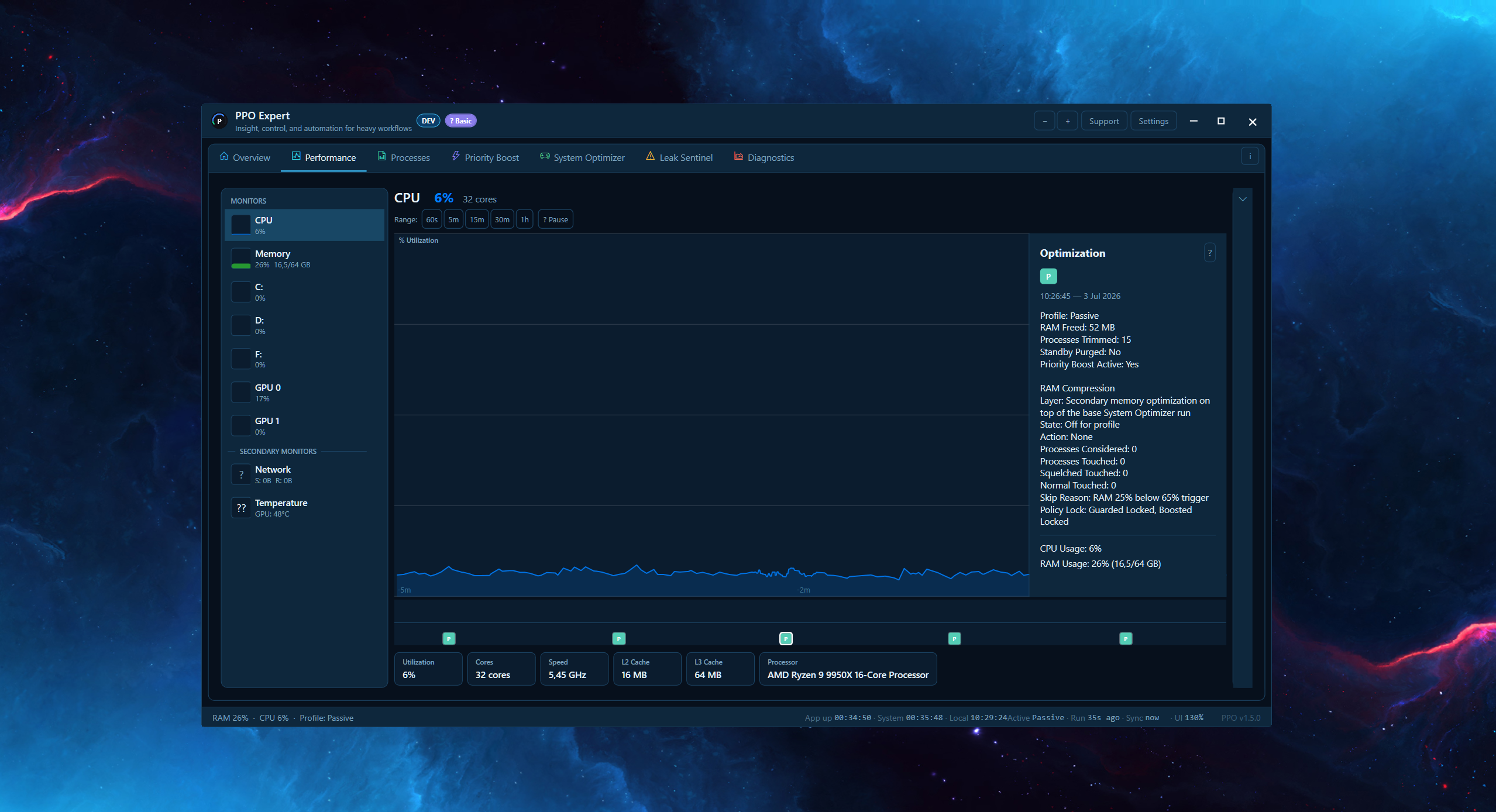
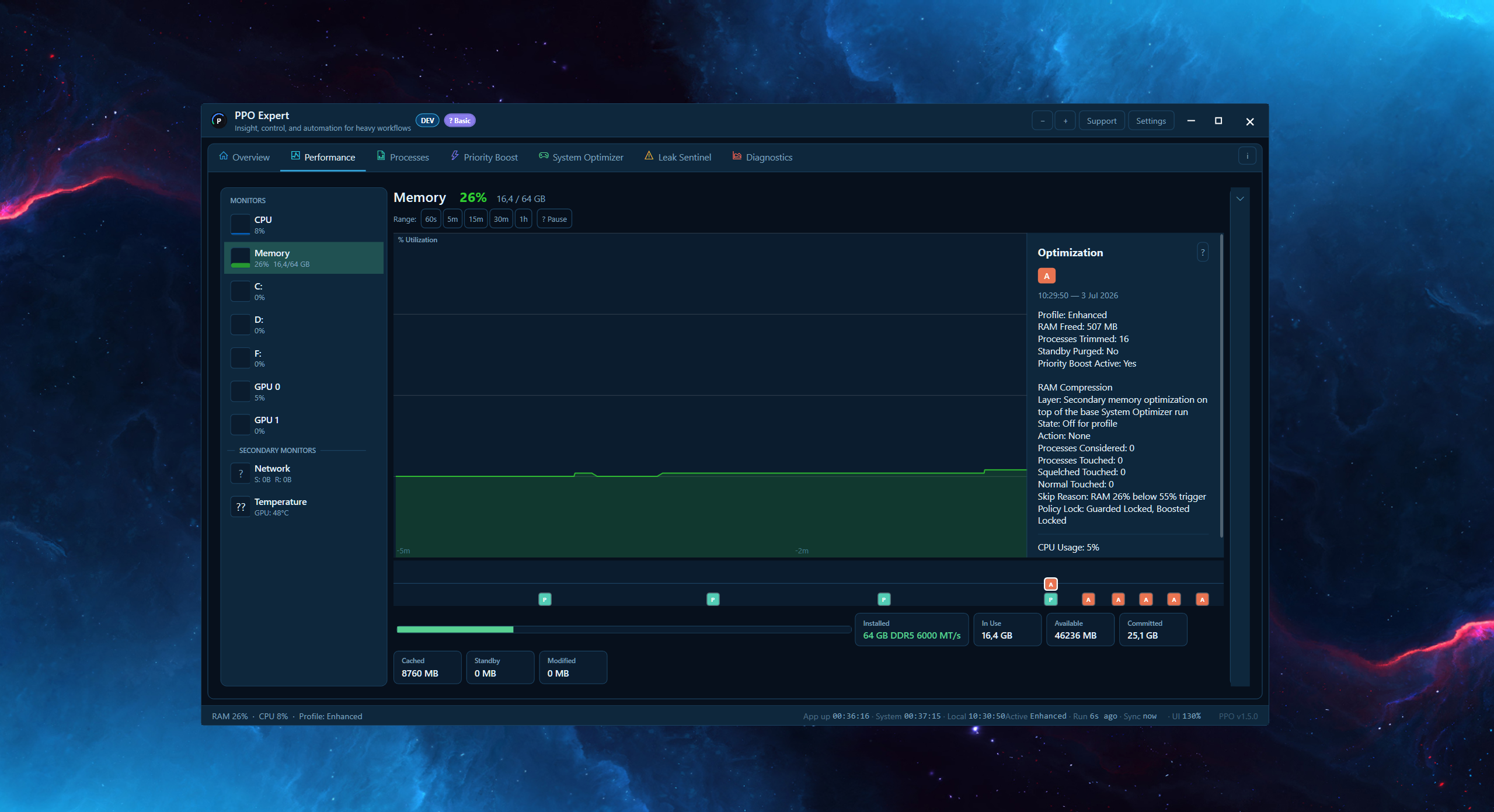
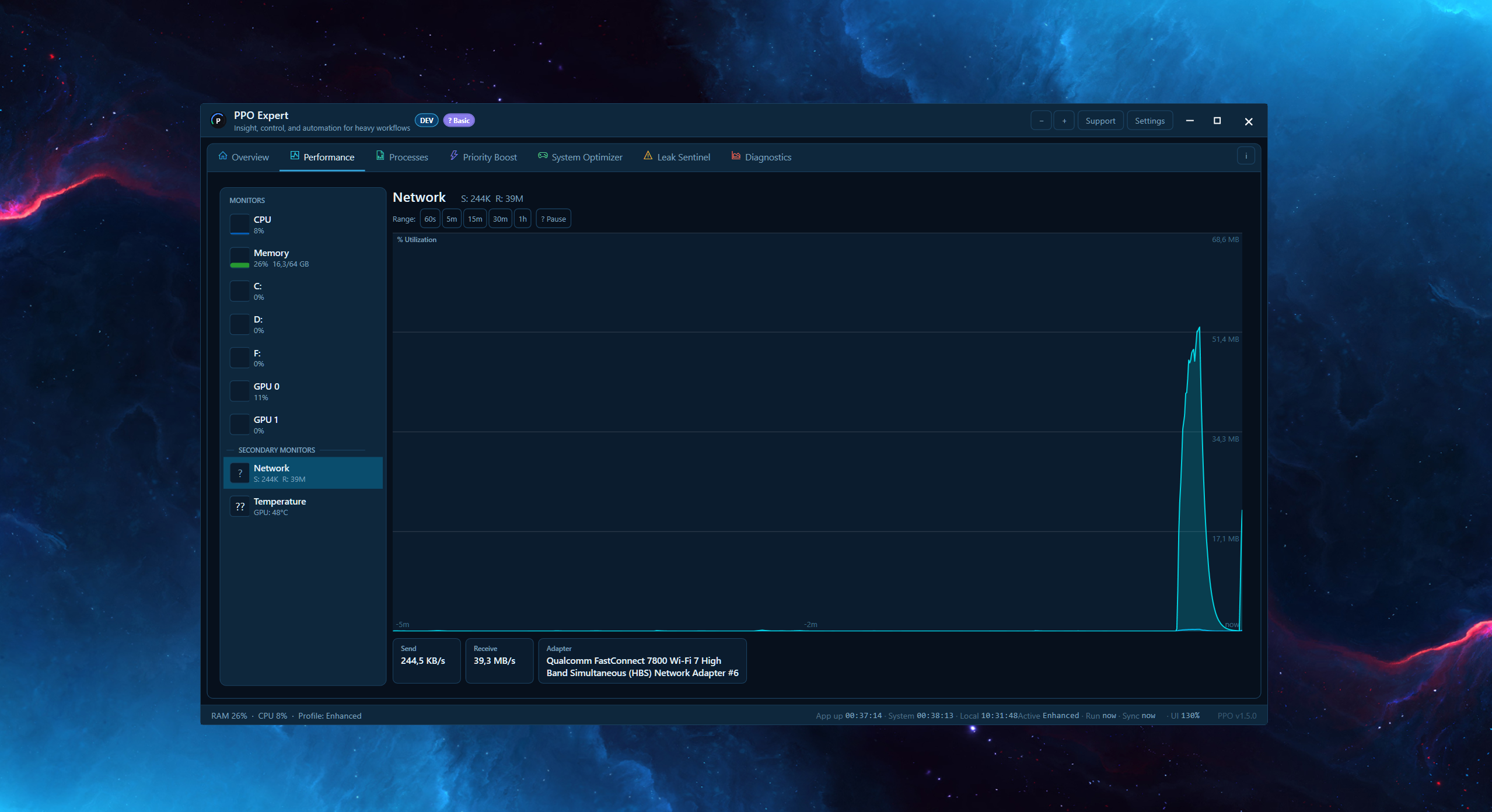
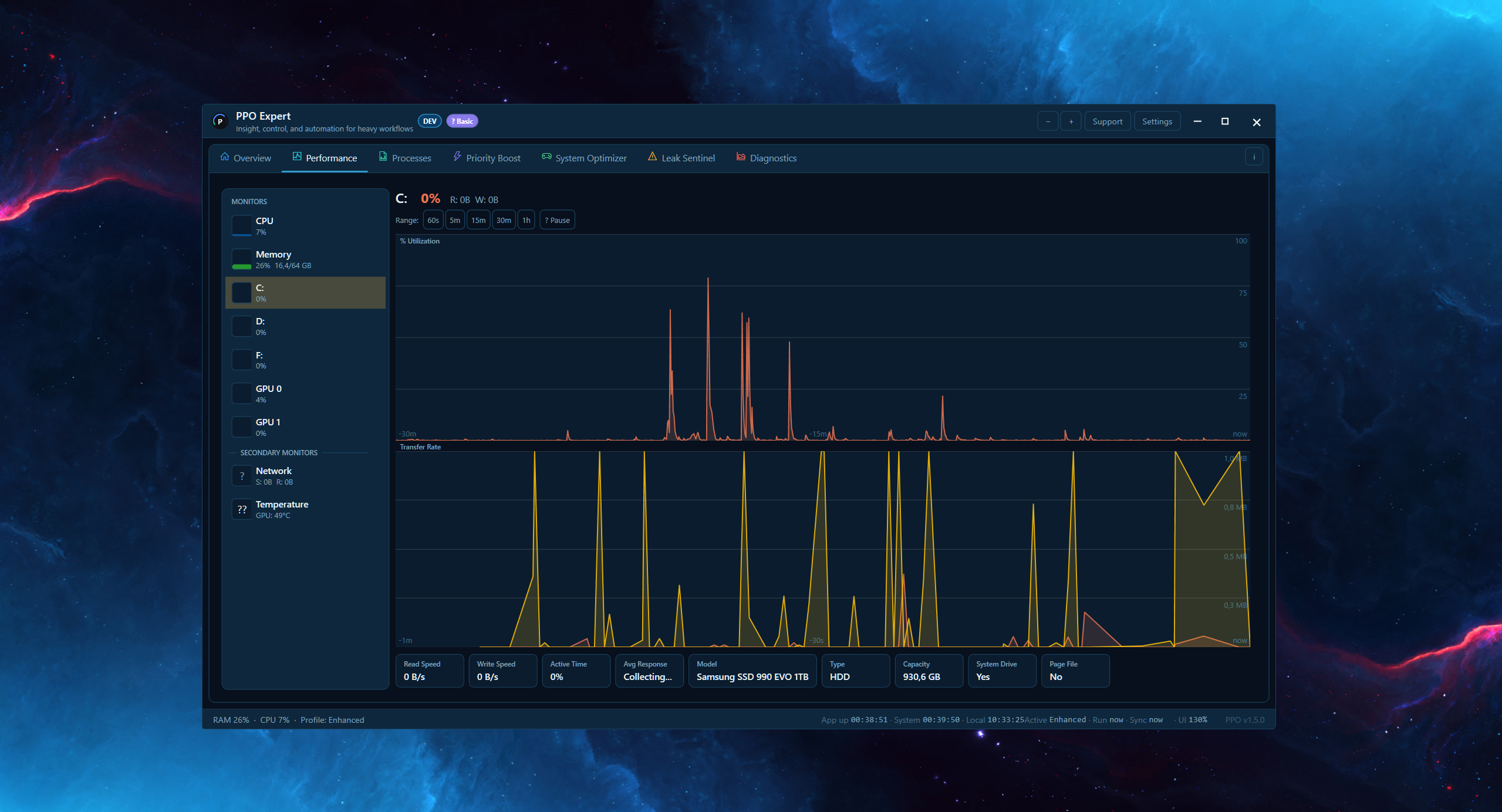
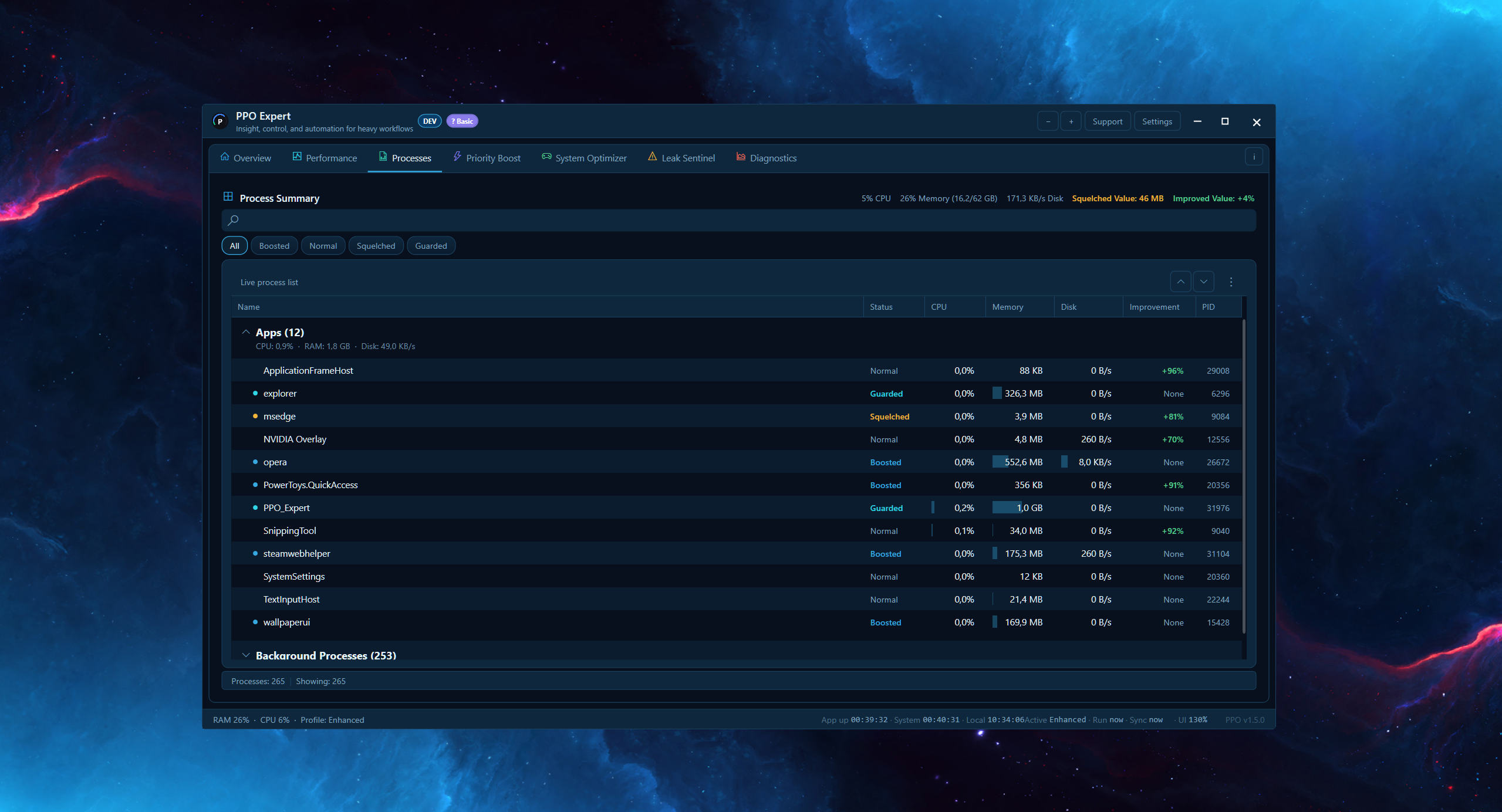
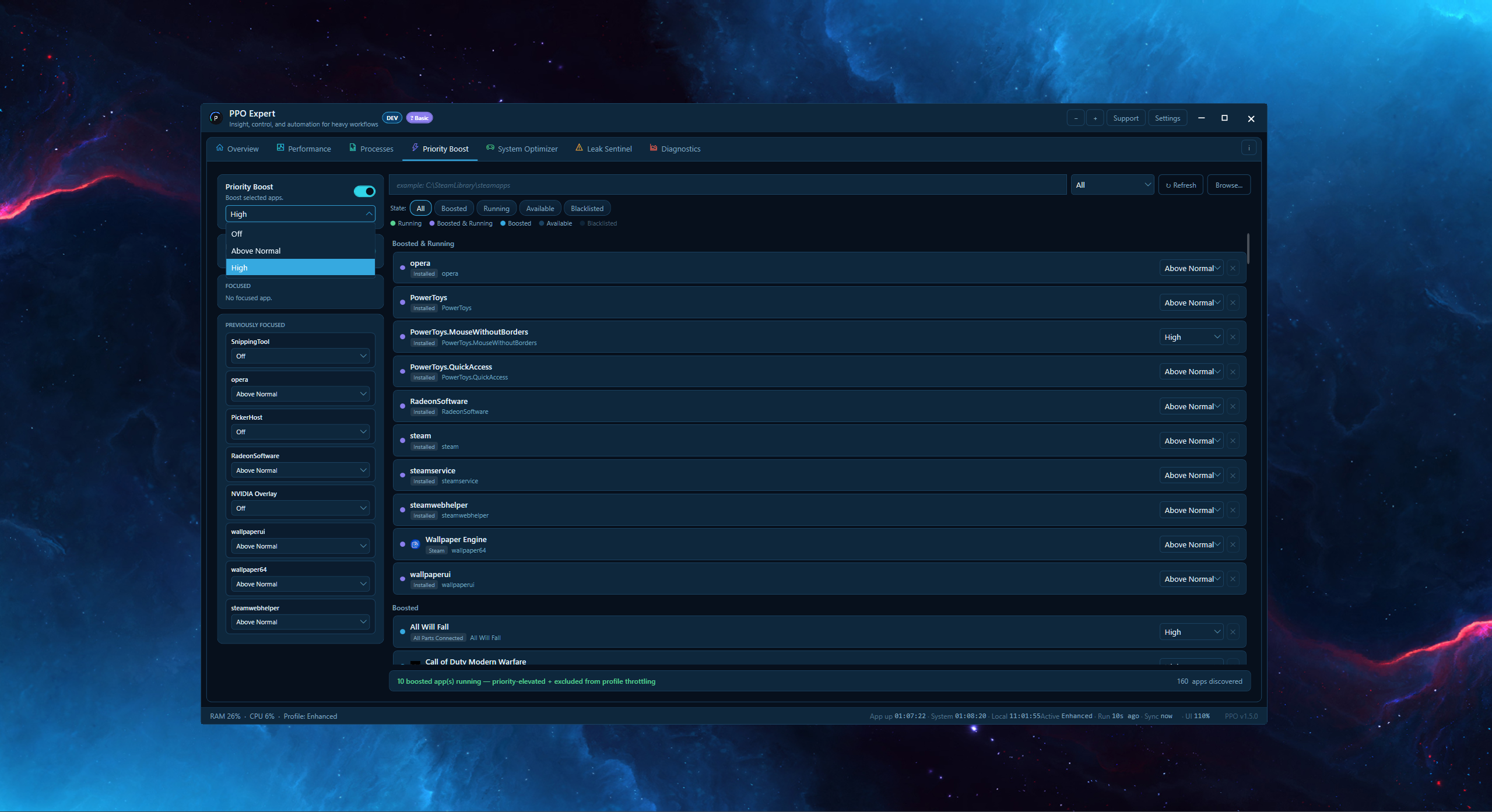
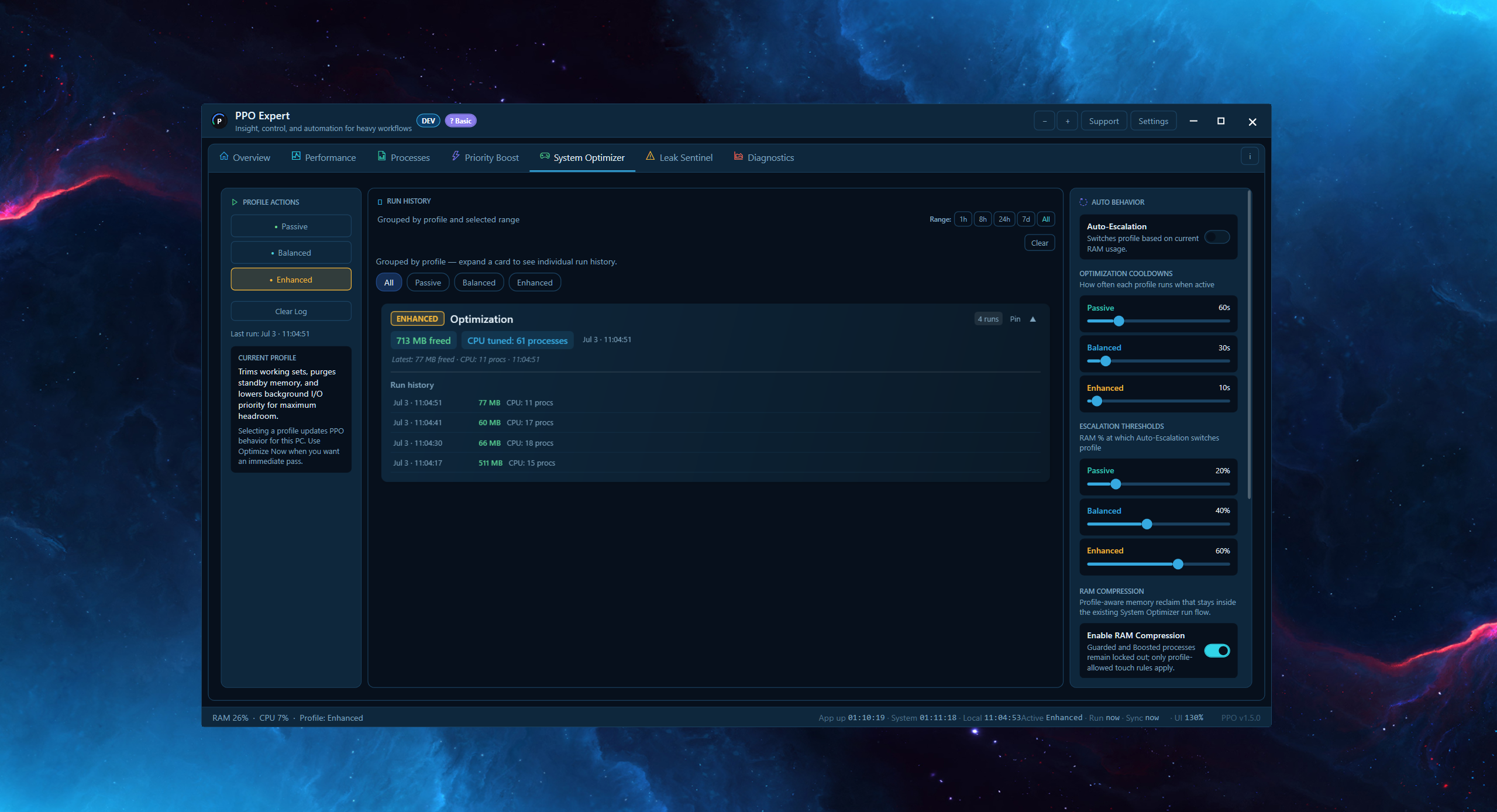
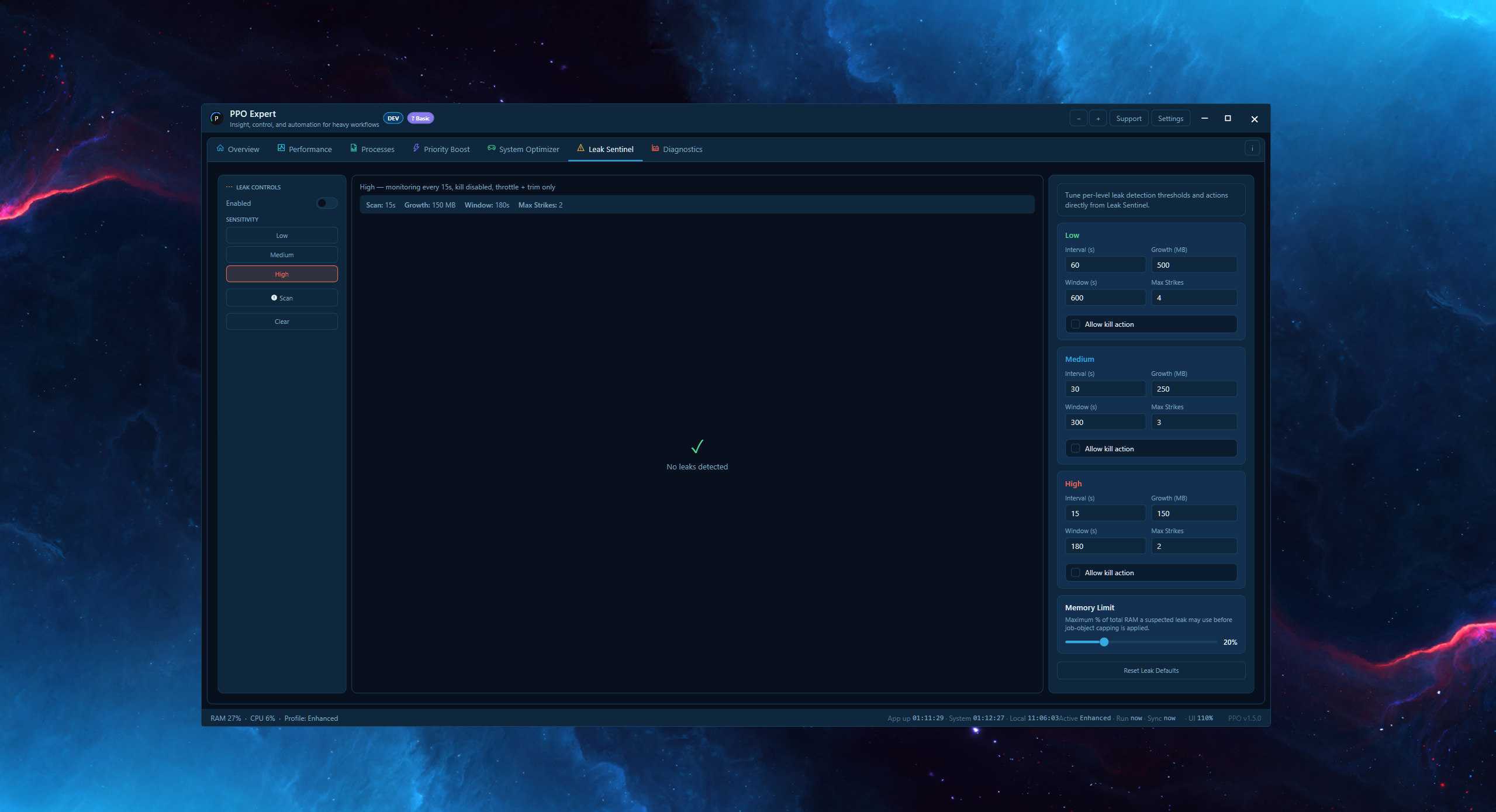
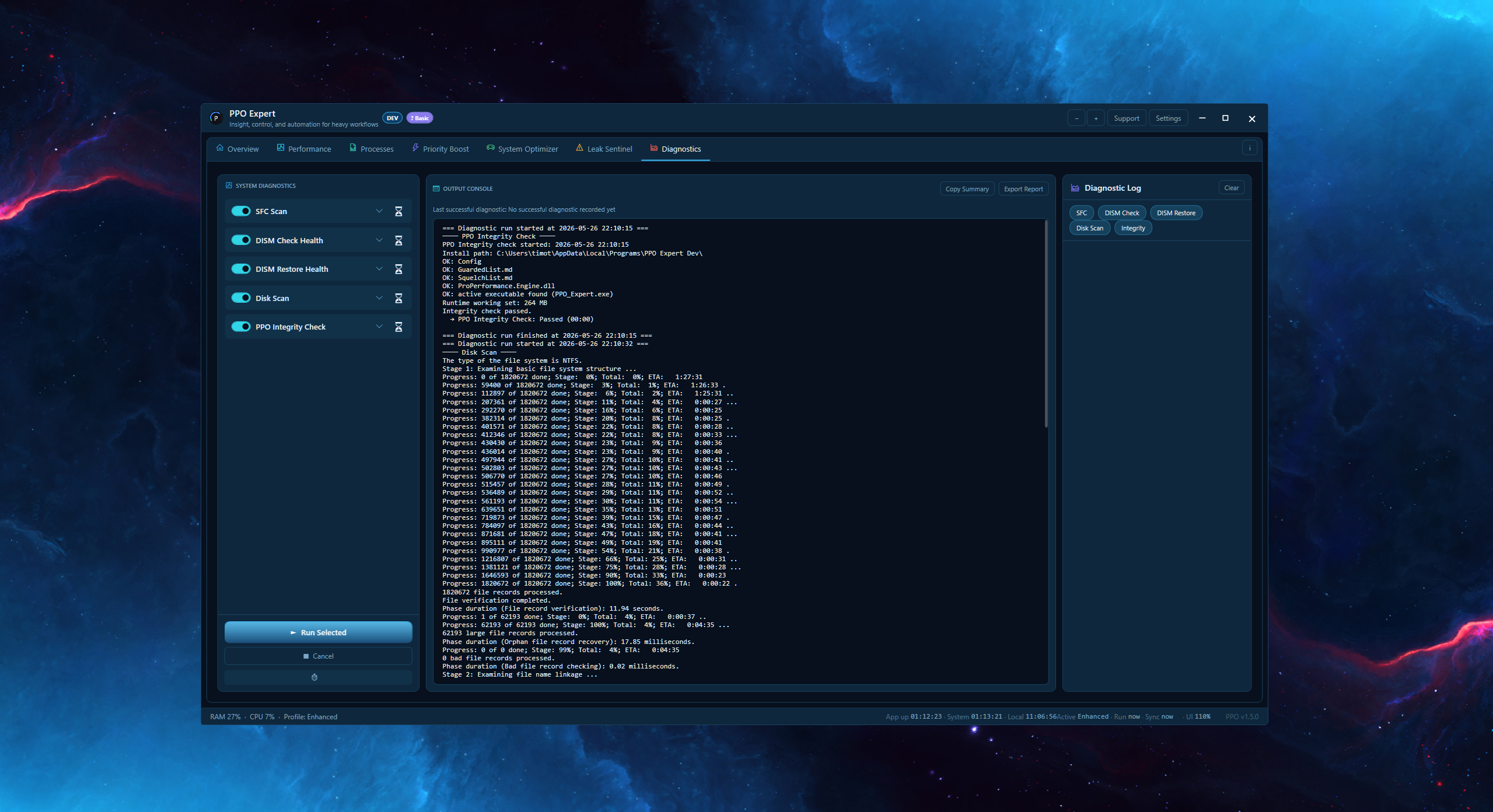
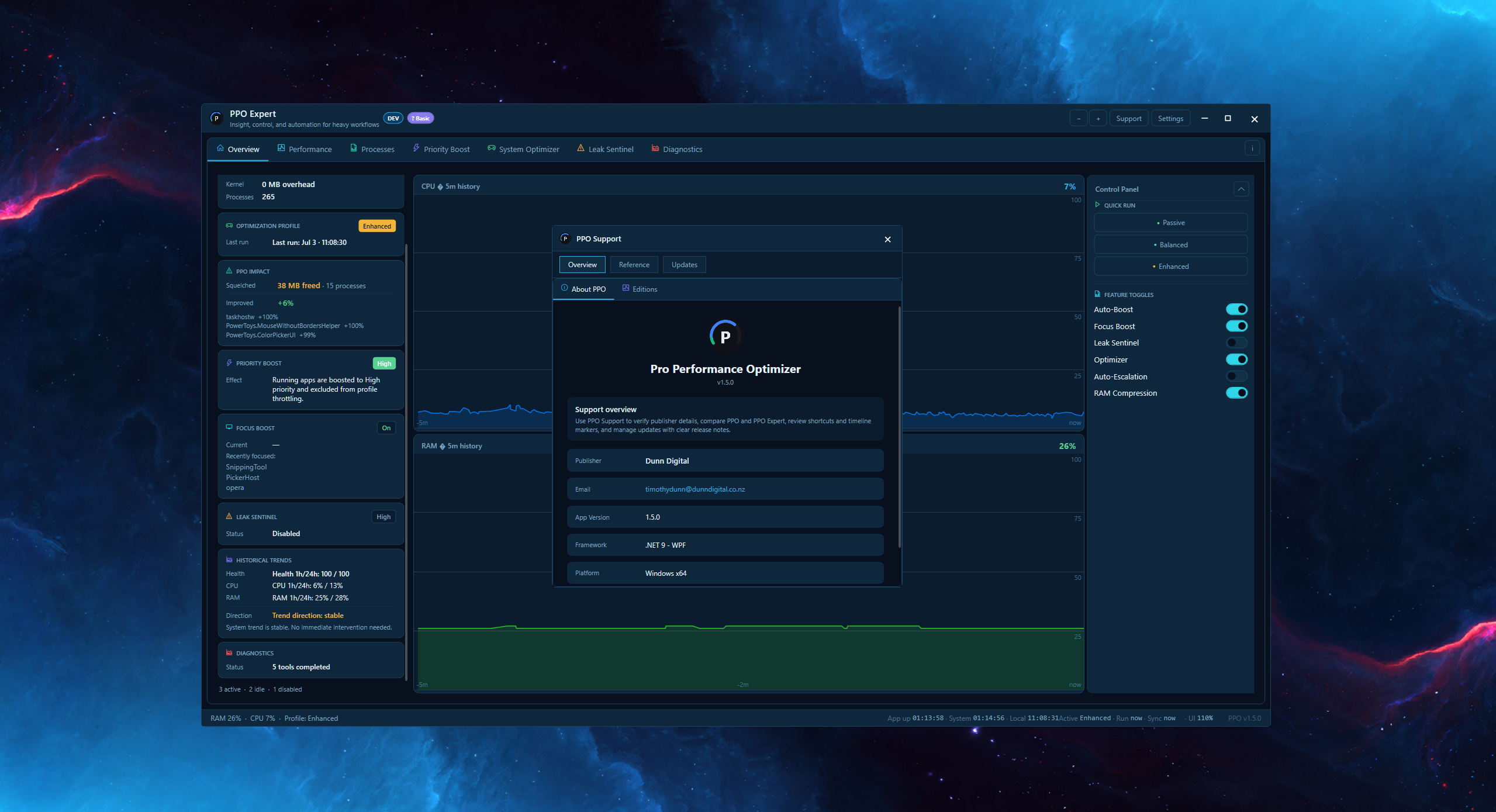
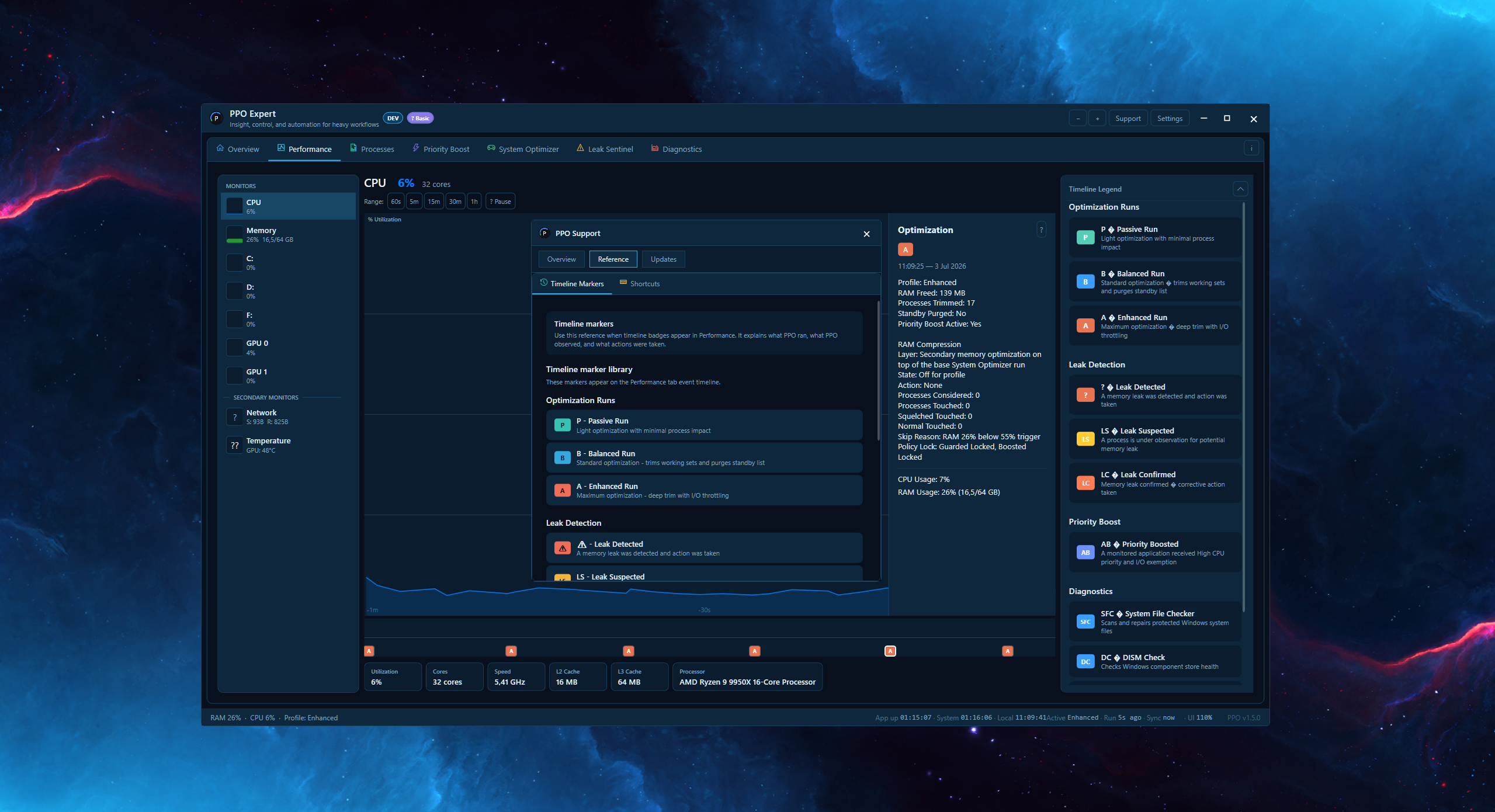
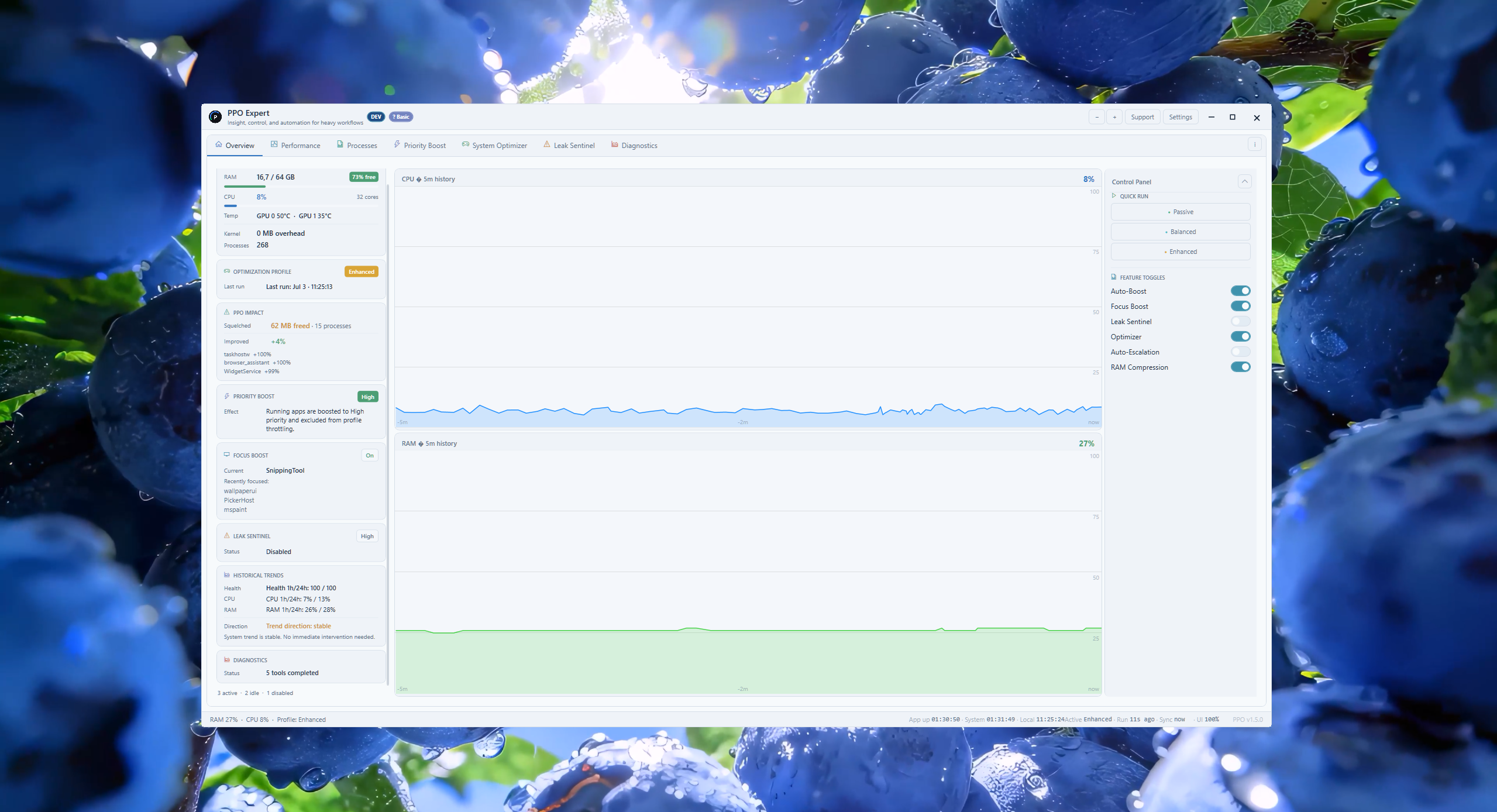
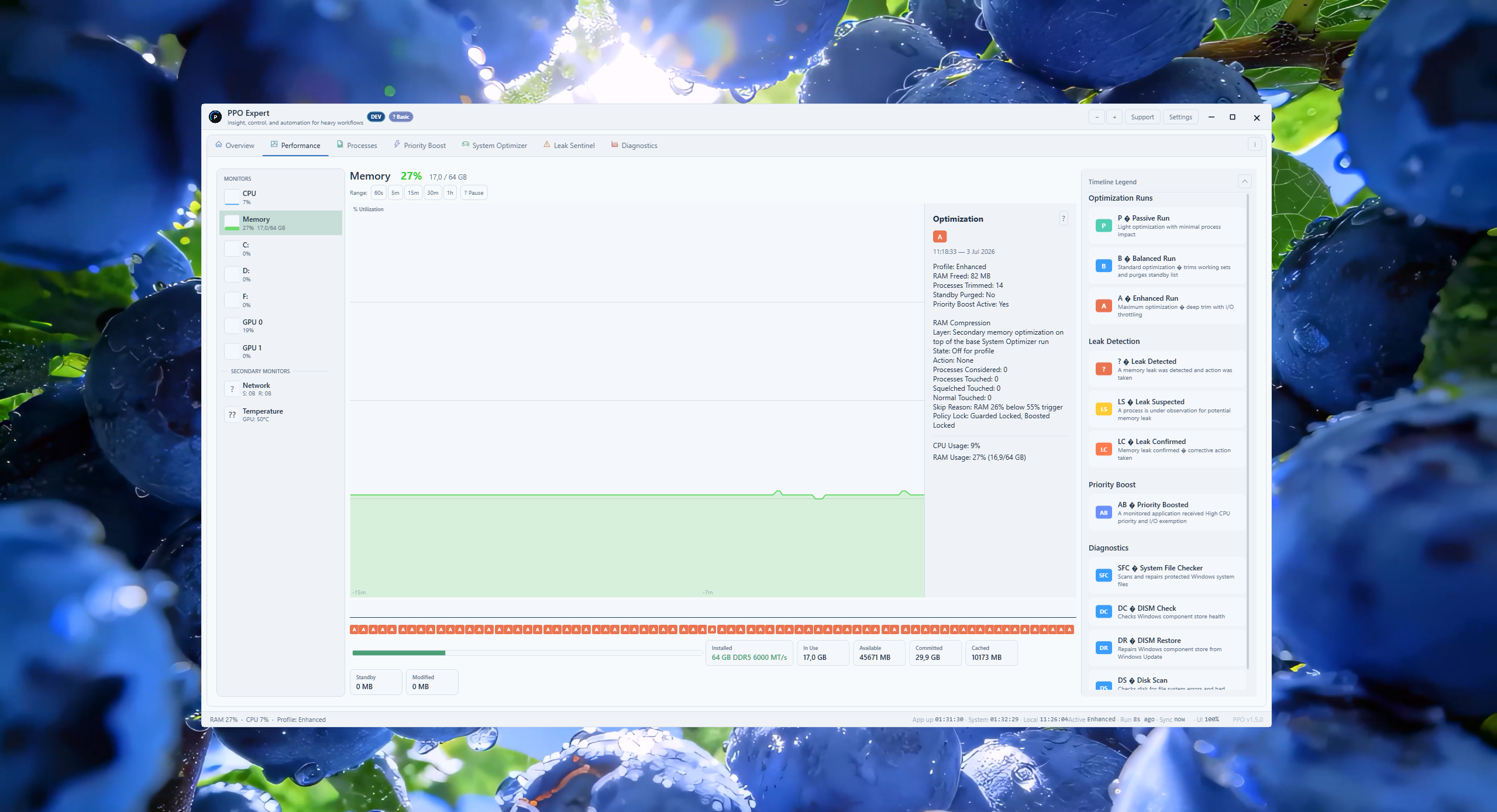
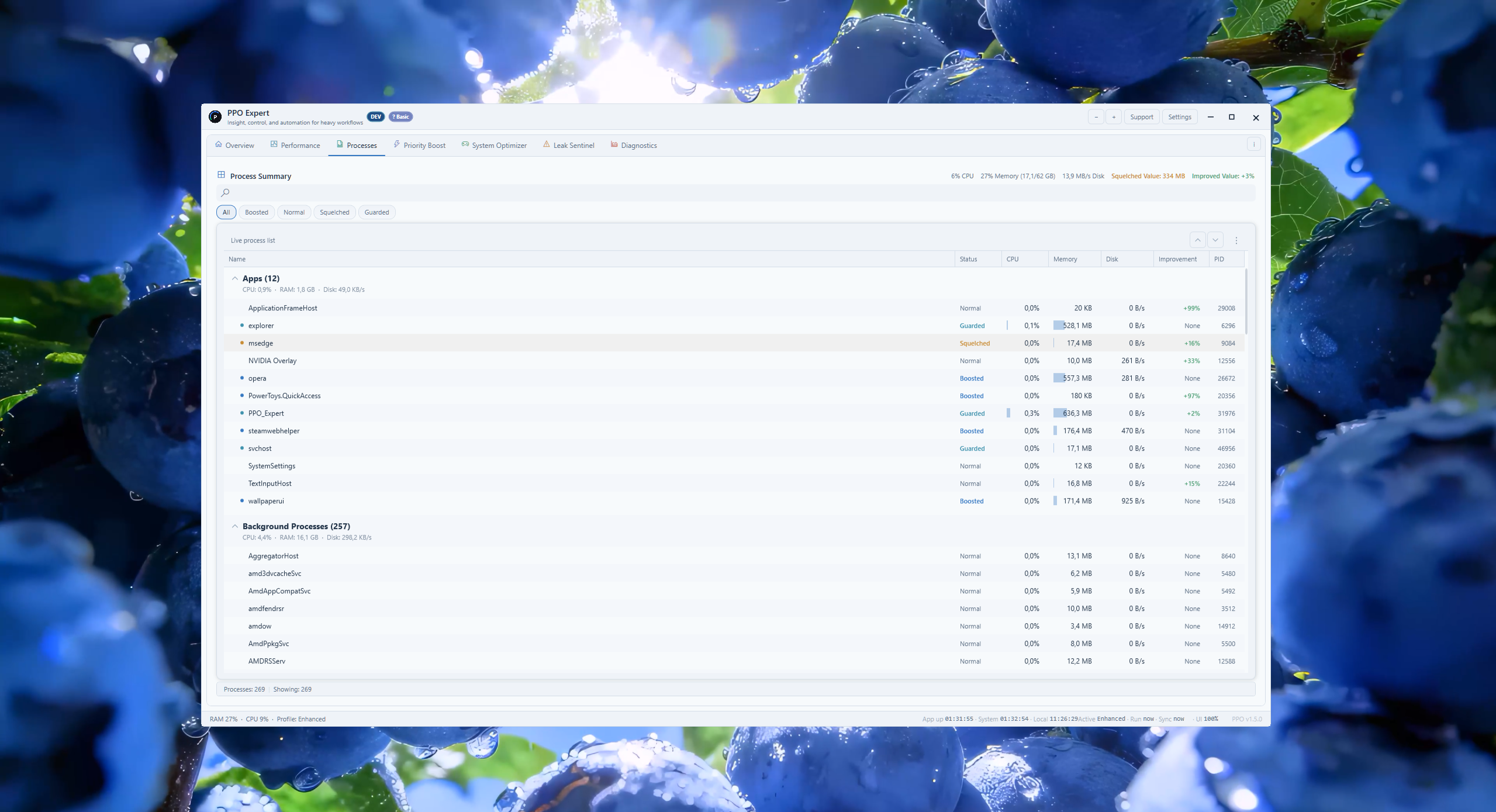
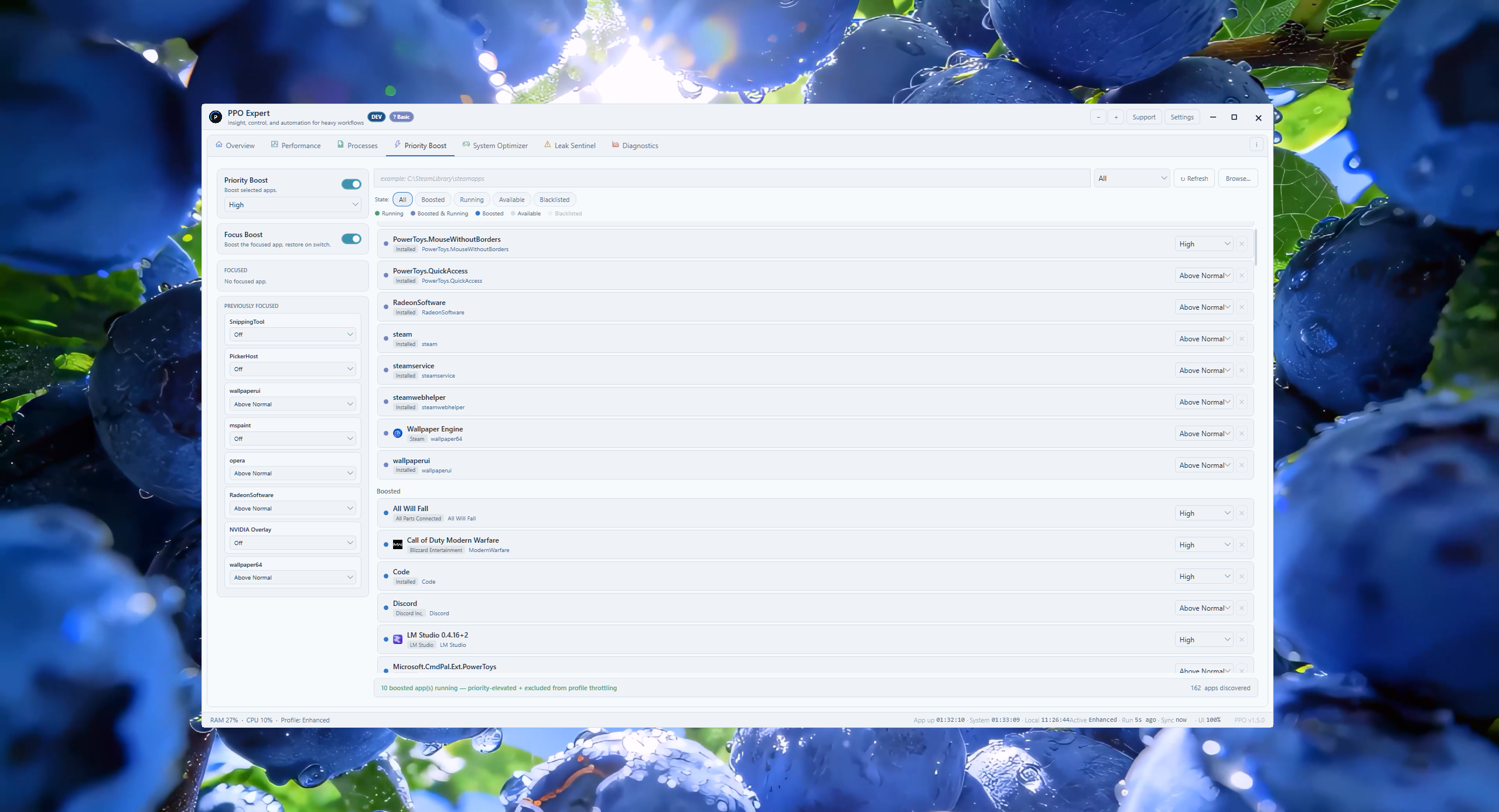
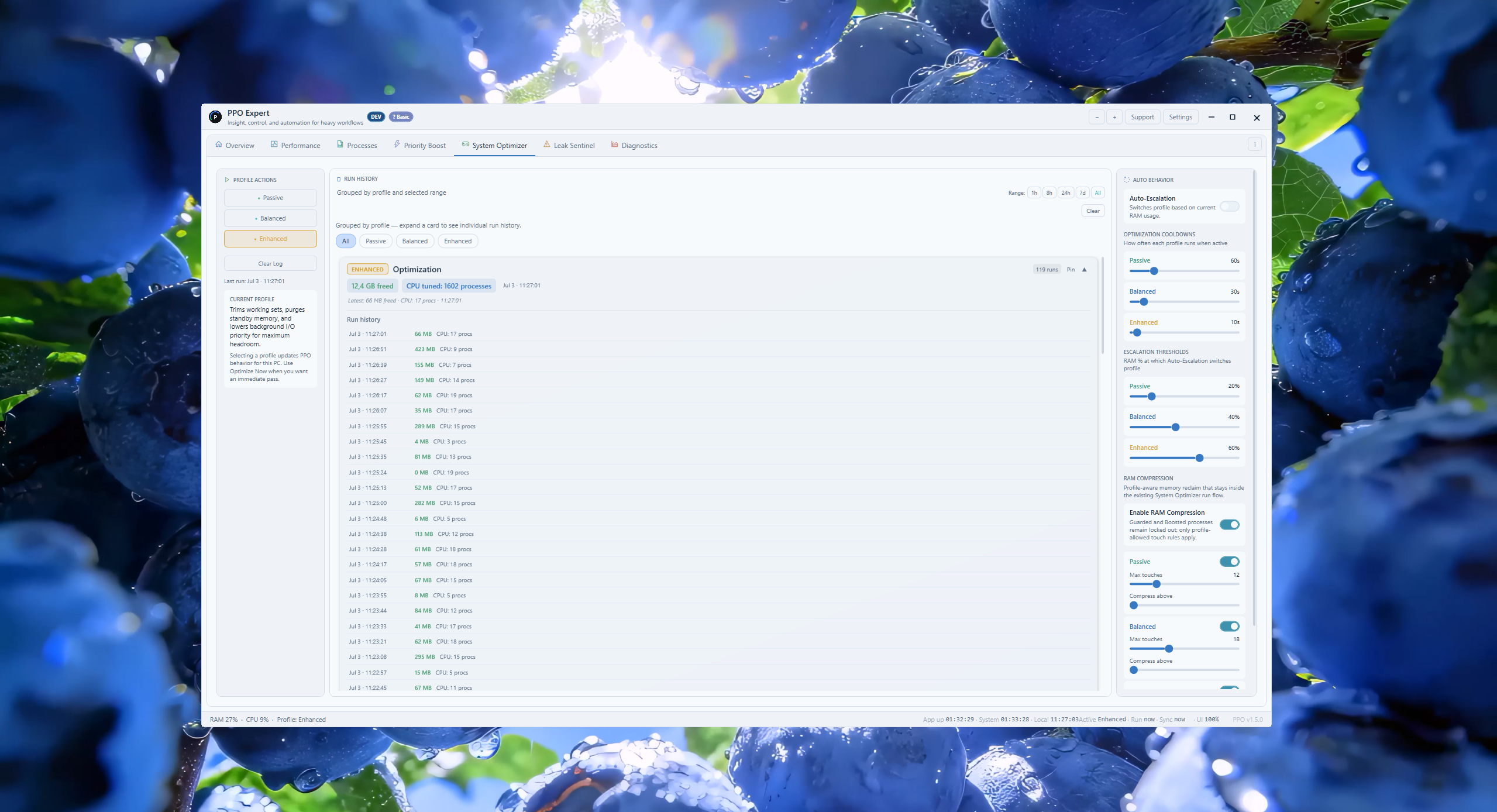
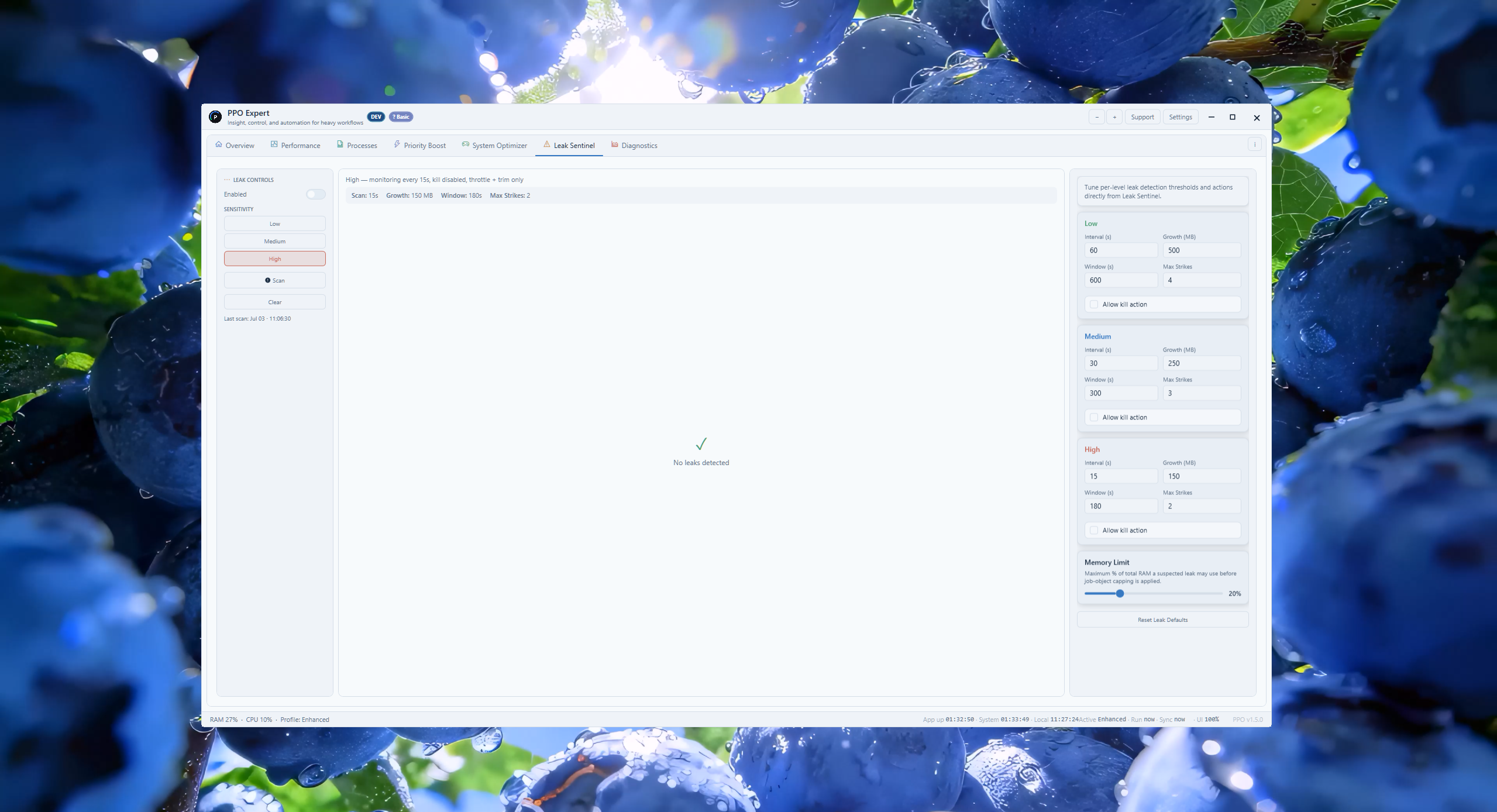
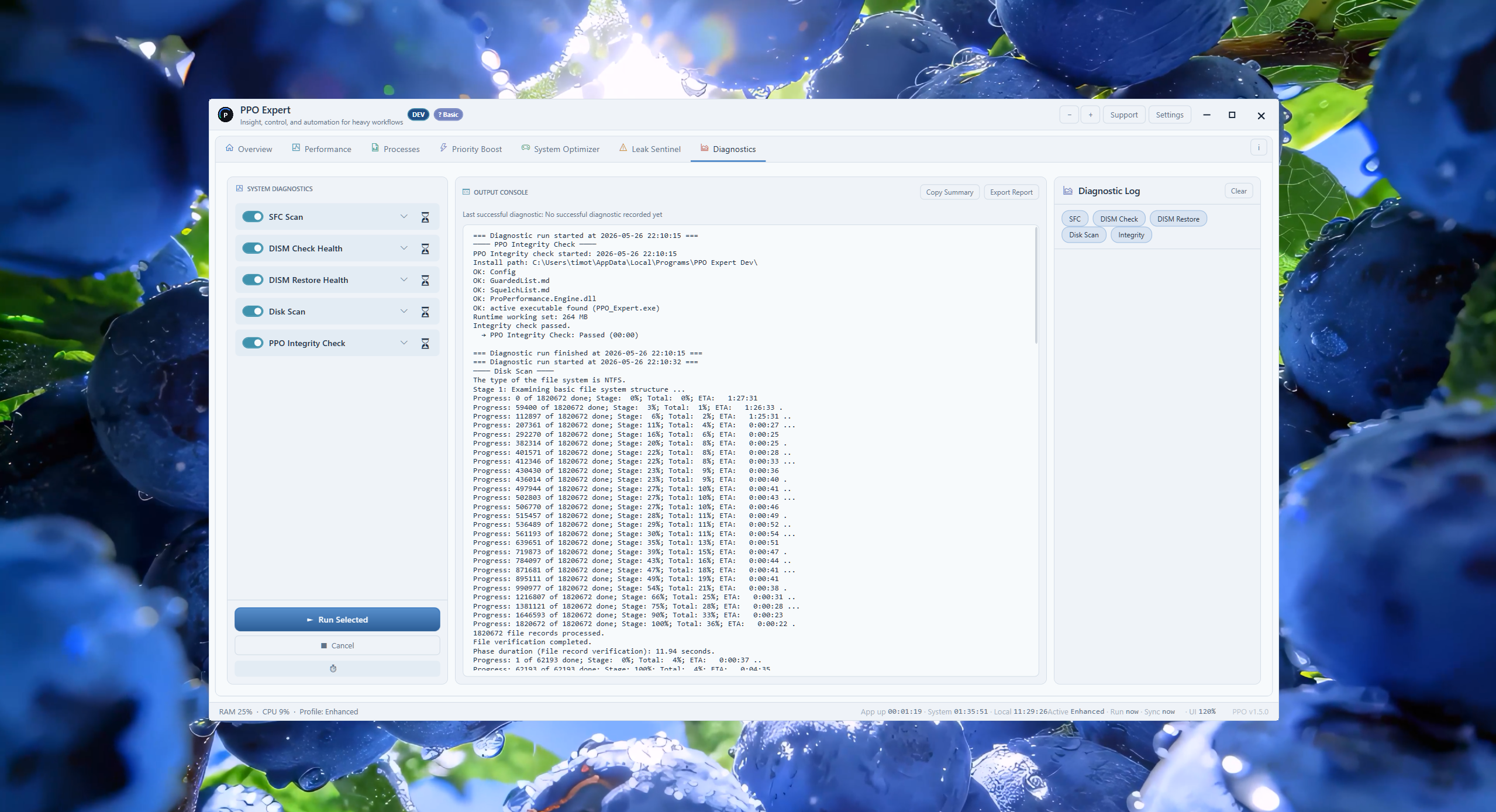
The complete monitoring, diagnostics, automation, and optimization workspace.
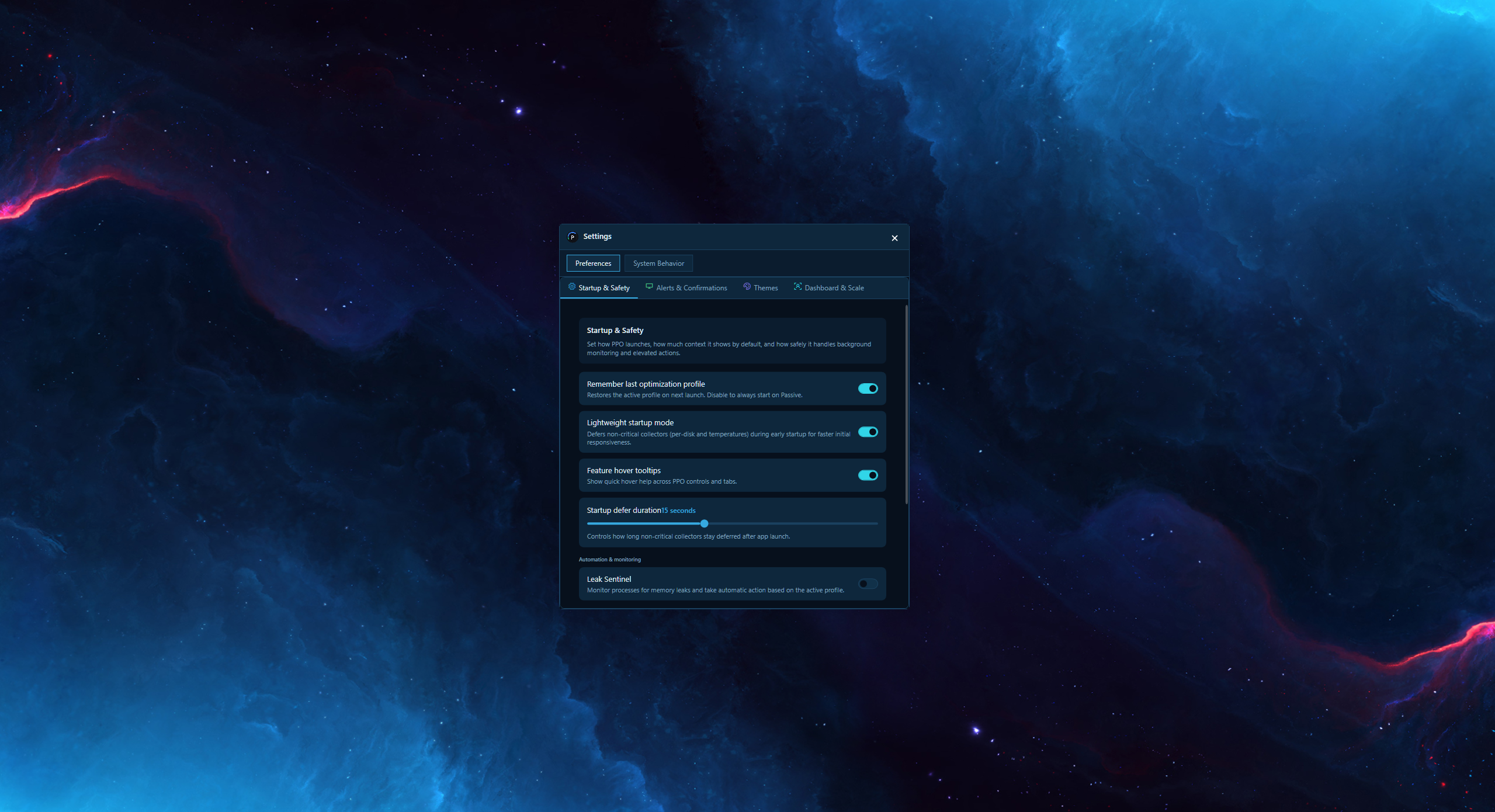
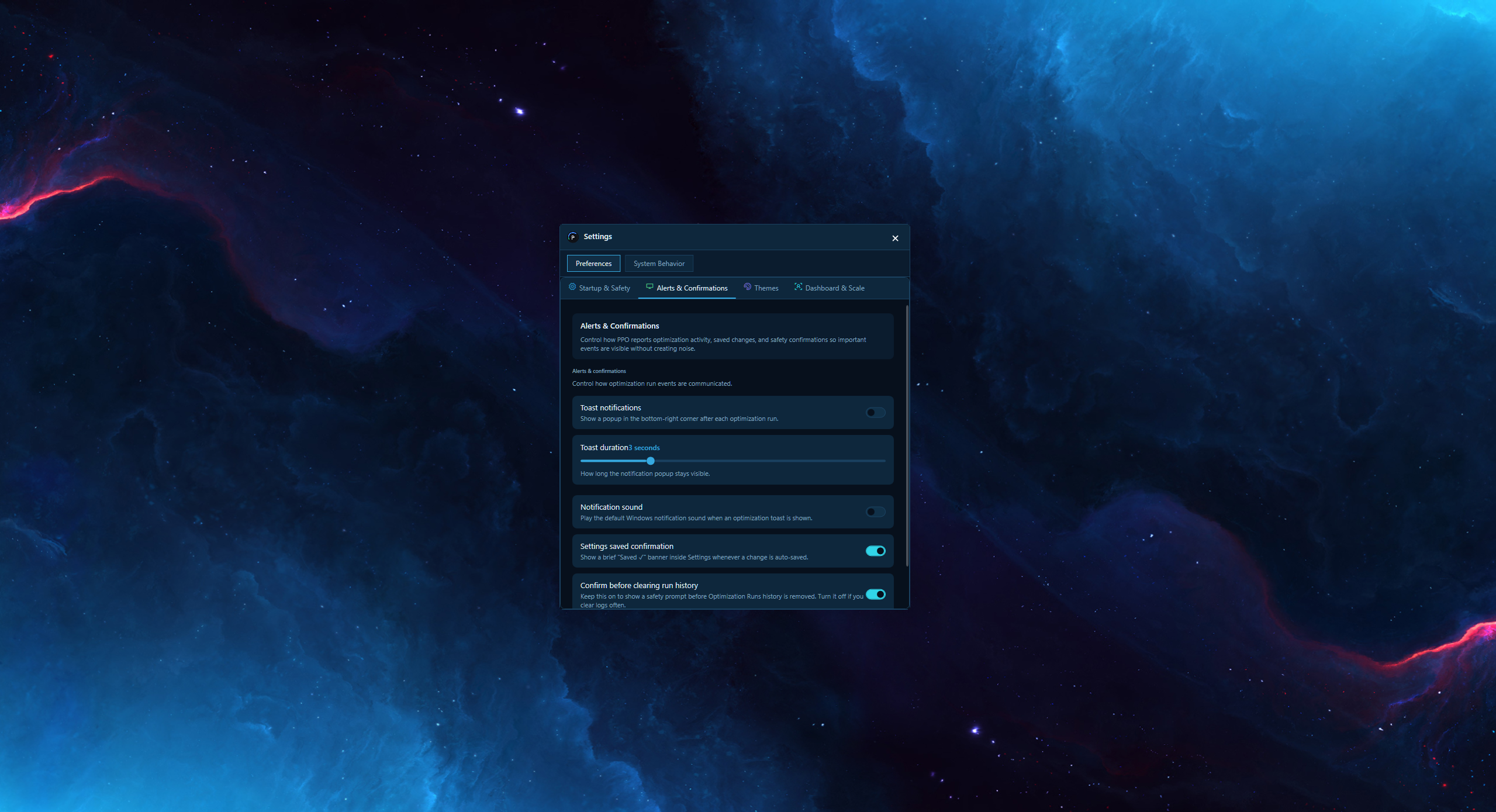
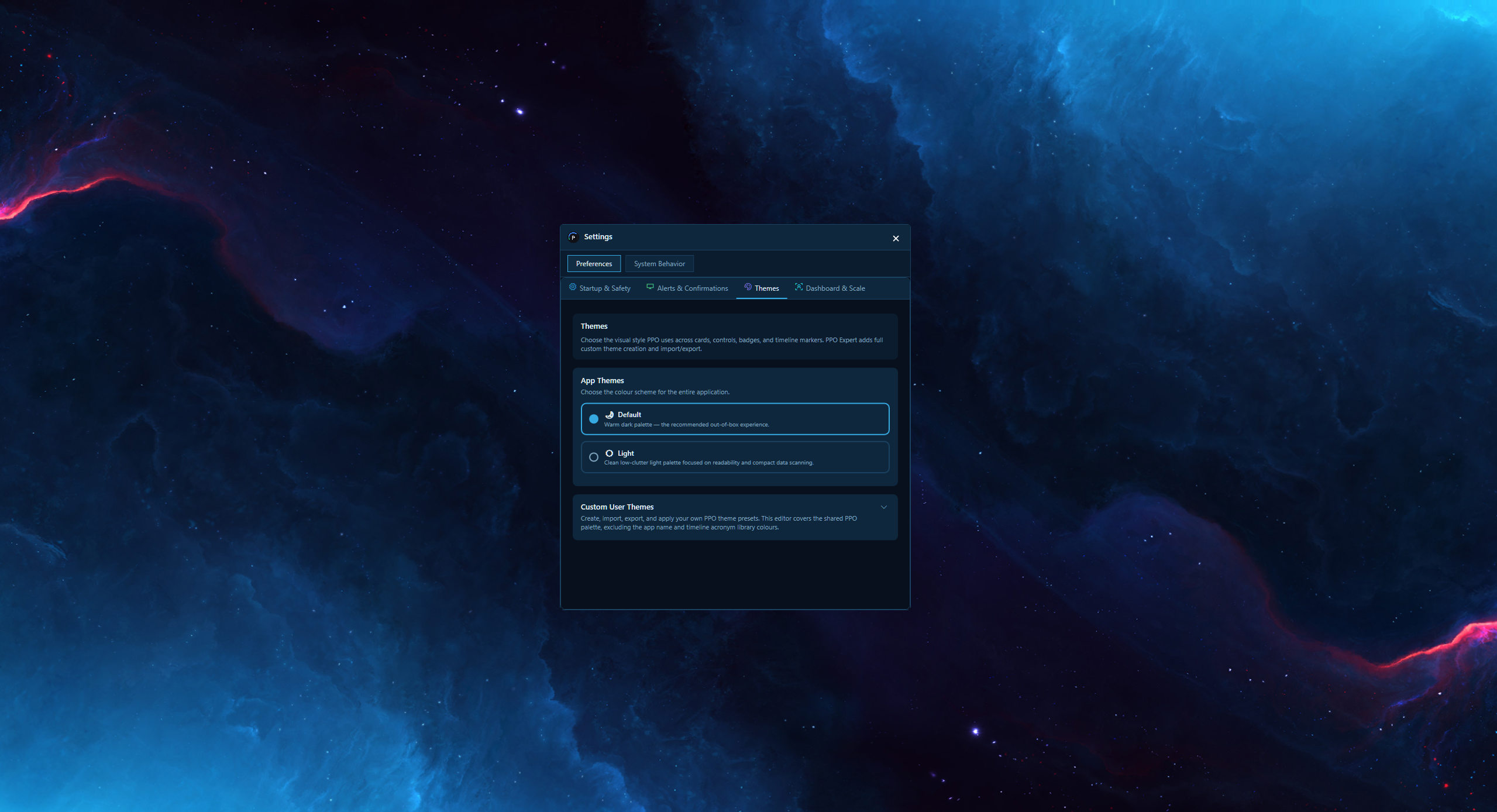
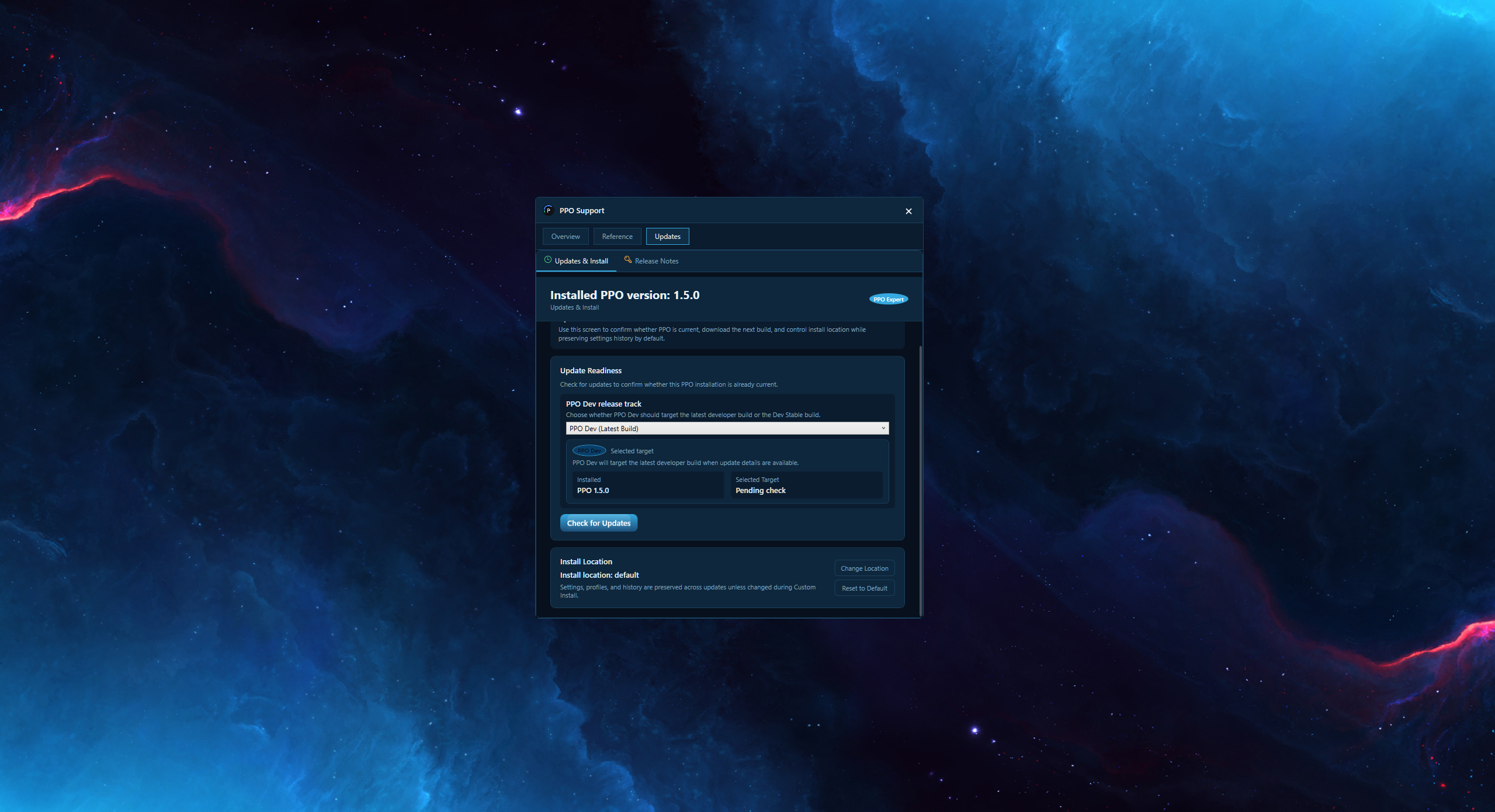
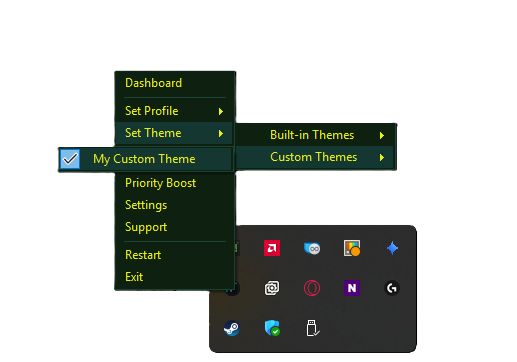
Gallery captures show Default and Light. The new Graphite theme is available in PPO v1.5.1.
Paid Edition
Choose PPO Expert and request a once-off Buy quote. Rent options remain visible but disabled while setup is being finalized.
Temporarily unavailable
Live pricing temporarily unavailable.
Selected PPO Expert License
PPO Expert Lifetime LicenseOne payment for long-term PPO Expert use on your authorized install.
Temporarily unavailable
Checkout Basket
Lifetime license (once off)
All prices are NZD. GST is not charged - Dunn Digital is not currently GST registered.
PPO Expert sales are temporarily paused. Existing customers can still validate their key and download below.
Existing PPO Expert customers can still validate their key and download the installer below.
Enter your license key to validate your PPO Expert activation path.
Developer builds include in-progress features ahead of the next Stable release. These builds are for testing and internal use only.
Download Developer BuildDeveloper builds are for testing and internal use. Report issues to hello@dunndigital.co.nz
Free Edition
Free One-click cleanup for everyday users
PPO Details
Windows SmartScreen notice
When you run the installer, Windows may show a blue dialog that says “Windows protected your PC” and “Microsoft Defender SmartScreen prevented an unrecognised app from starting.” This happens because PPO is independently published software and does not yet carry a commercial code-signing certificate — it is not a sign that anything is wrong with the file.
To get through it:
PPO is designed for direct local use, with straightforward cleanup and optimization actions you can understand.
The free edition covers the core cleanup flow so everyday users can get value without license friction.
The paid edition exists for users who want more control, more tuning options, and a more advanced workflow.
PPO runs entirely on your local machine. No data is sent to the cloud during optimization.